Curious
An anonymous, location-based social platform. Share stories with the people around you, without sharing who you are.
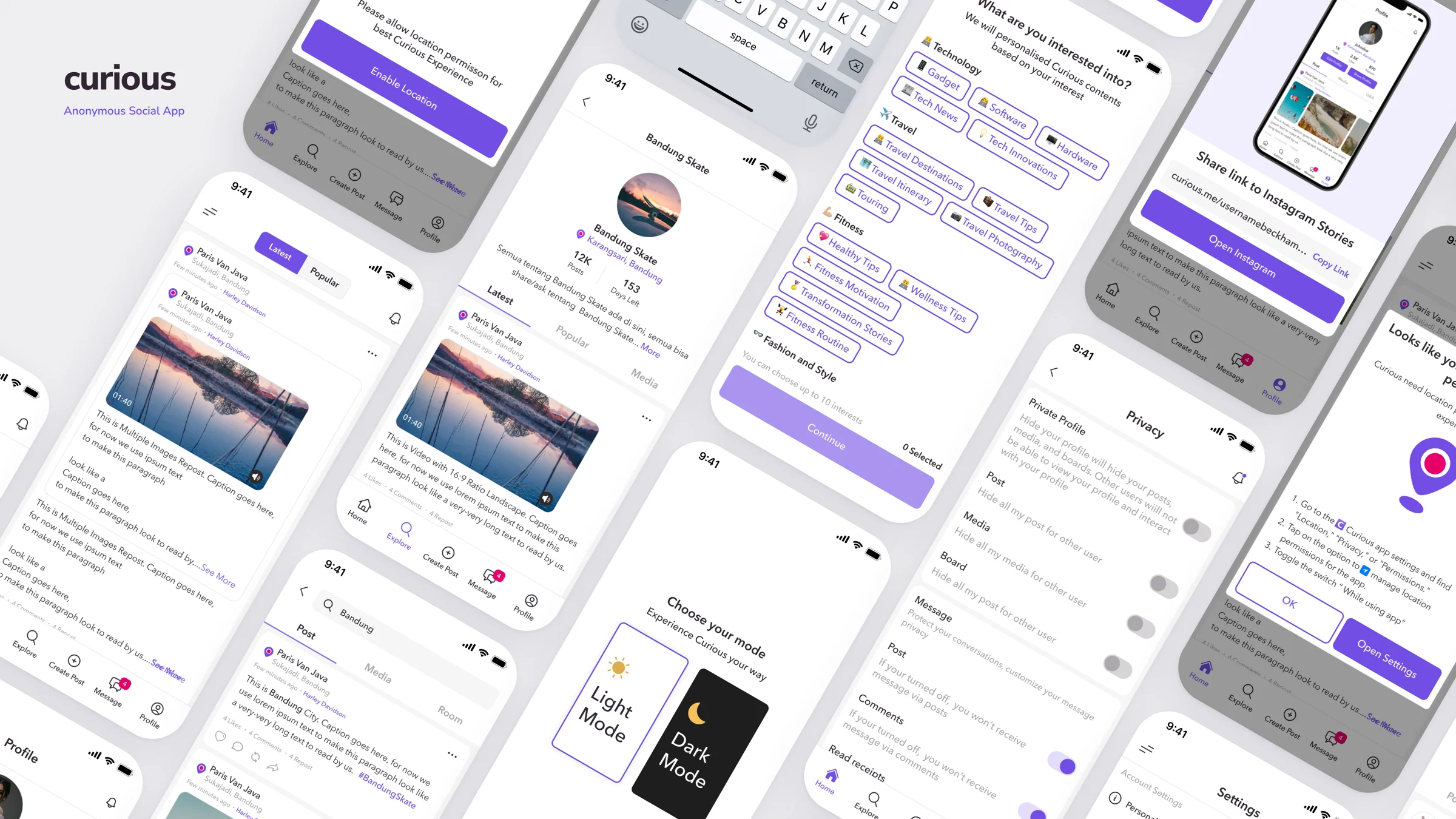
Anonymous shouldn't mean unsafe.
People often hold back on mainstream social media because everything is tied to their name. Curious gives them a place to tell stories, ask questions and share what's happening around them, anonymously and anchored to where they are.
The same anonymity that makes people open up also invites misuse. The design challenge was to make Curious feel free and local, while keeping every user safe and in control.
Safe by default
Sensitive content, reporting and moderation built into every flow.
Local & relevant
Location shapes what you see, and it works even when you don't share it.
You're in control
Mute, subscribe and decide what reaches your feed.
Designed around the whole journey.
Thirteen modules, organised the way a user actually moves through the product, from first visit to everyday use.
Discover Before You Join
Explore first, sign up when you're ready.
Guests can browse nearby stories before creating an account. A soft, floating sign-up prompt appears only when they try to interact, so joining feels like a choice, not a wall.
- Separate home experiences for guests and logged-in users
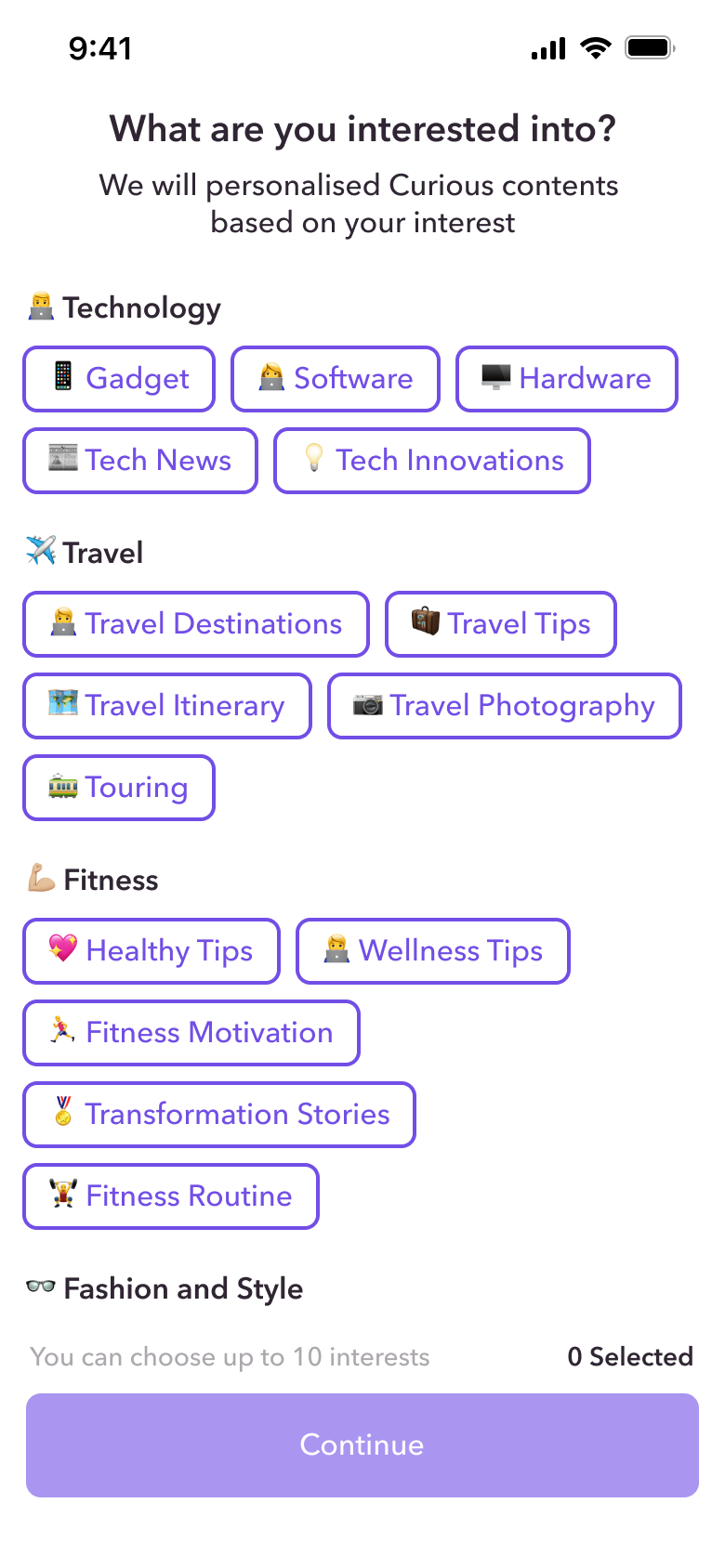
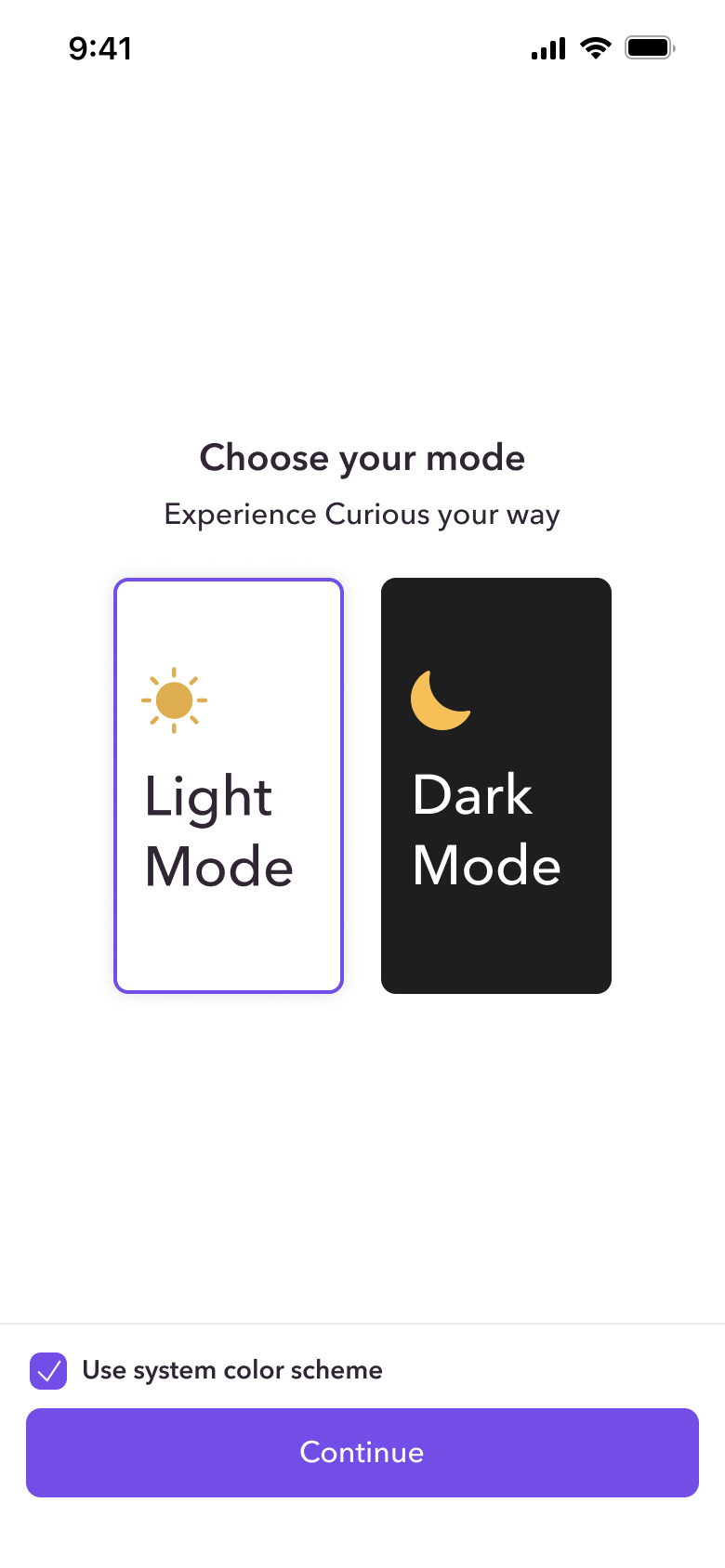
- Onboarding that introduces theme, interests and anonymity up front
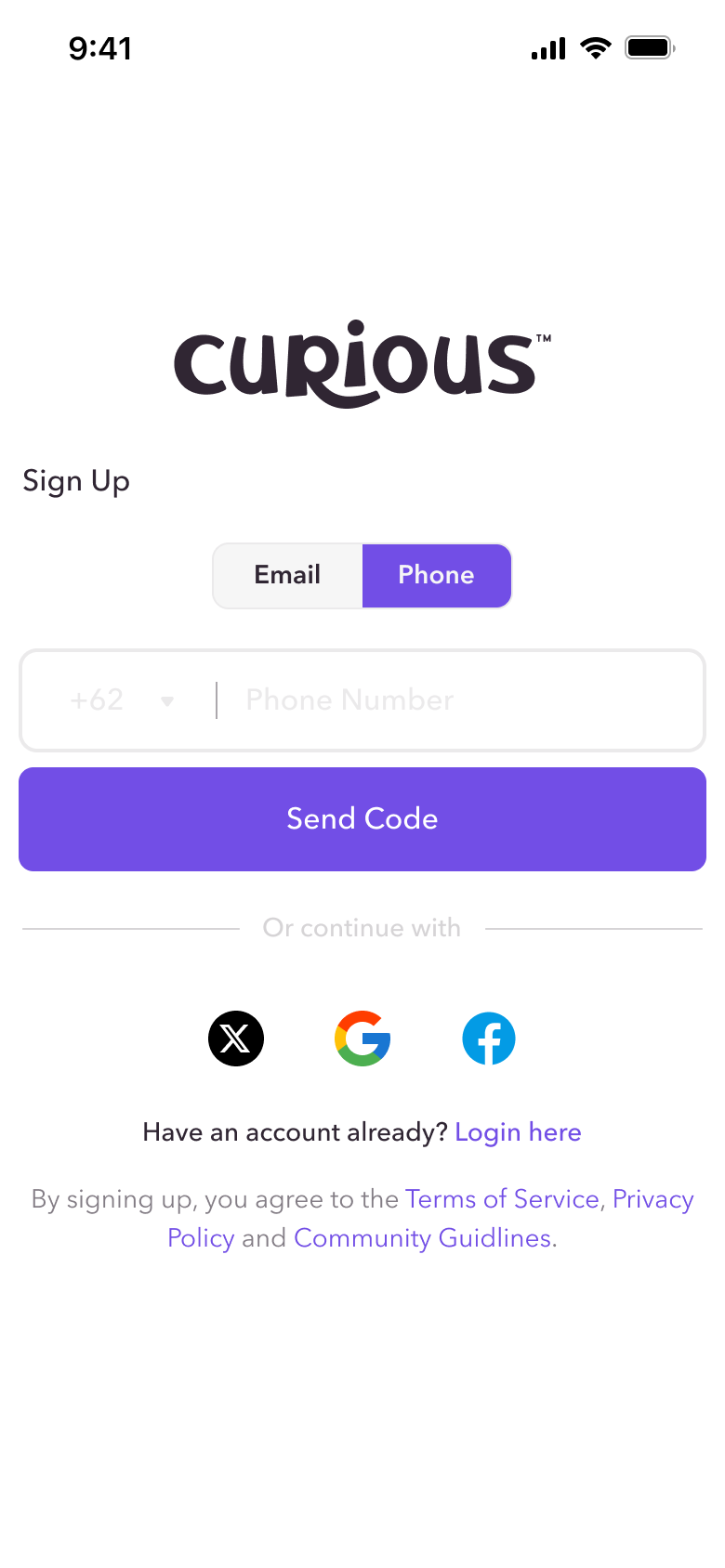
- Sign up with email, phone or social accounts, with clear verification states
Location-Aware by Design
Stories from the people around you.
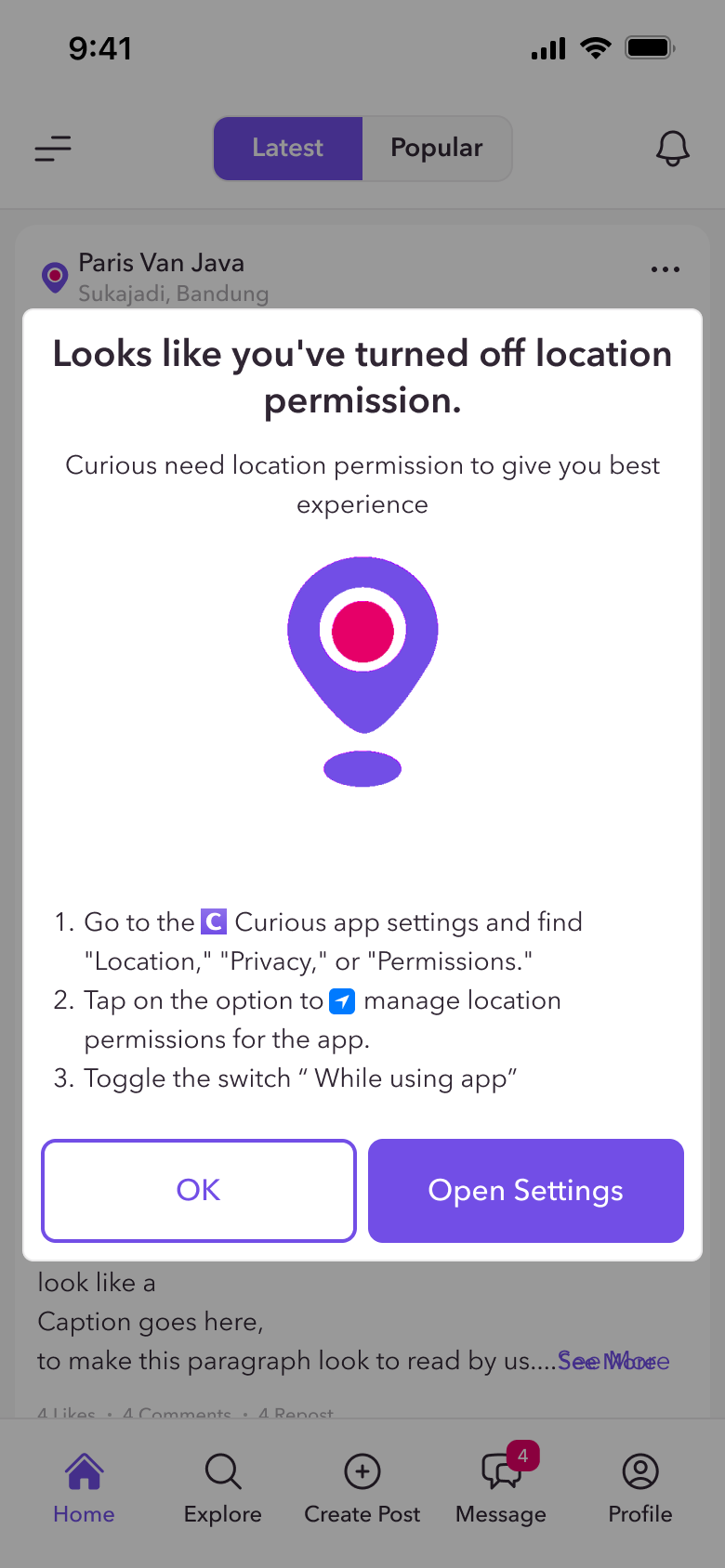
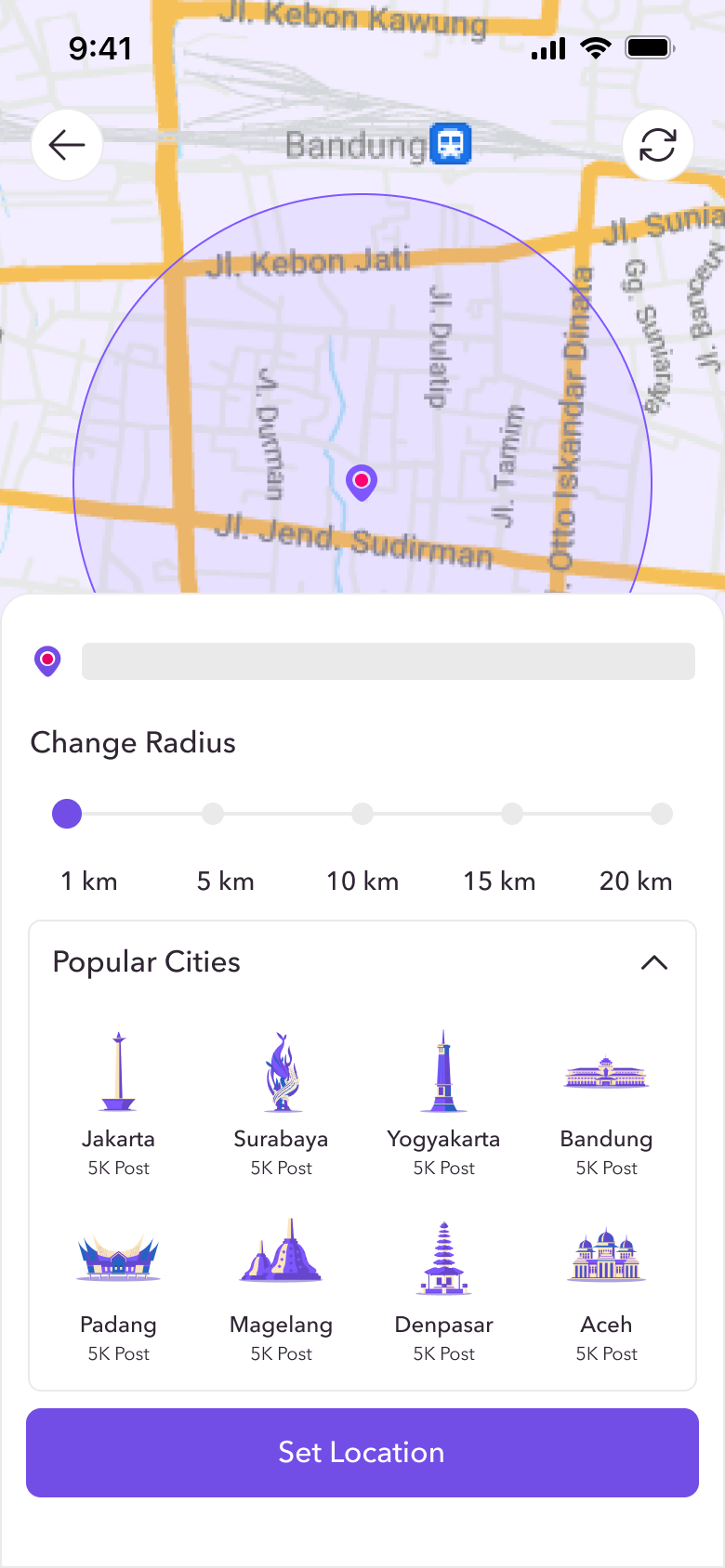
Location powers Curious, so asking for it had to build trust. Permission prompts are tailored to each platform, and denying access never leads to a dead end.
- Permission guidance for iOS, Android, Chrome and Safari
- A blocked-location state that explains why location matters
- Manual location with an adjustable radius (1-20 km) and popular cities
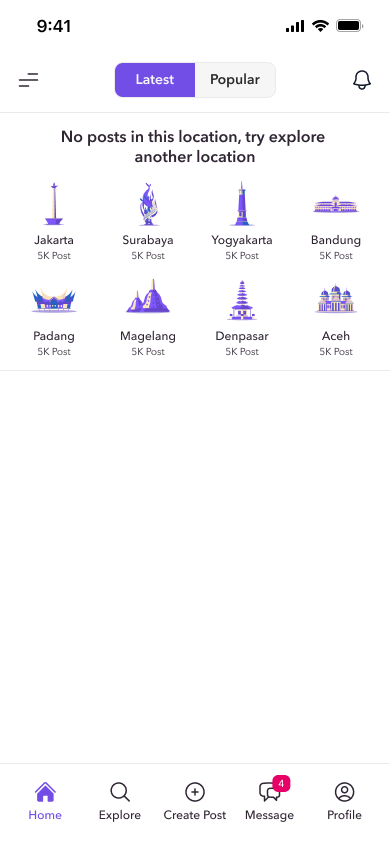
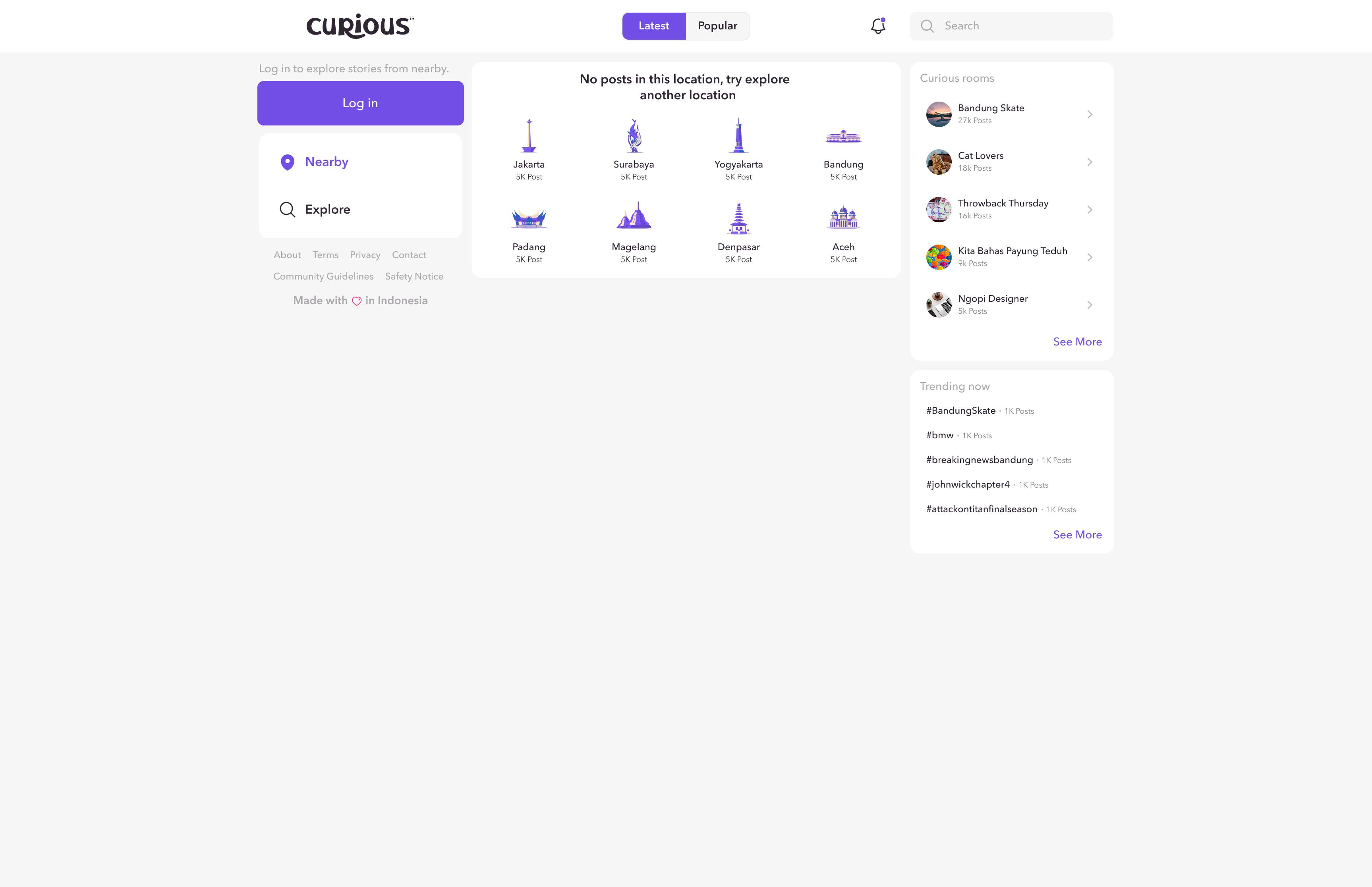
- Empty locations suggest other cities to explore
Nearby, Places & Curious Rooms
Three ways to find your crowd.
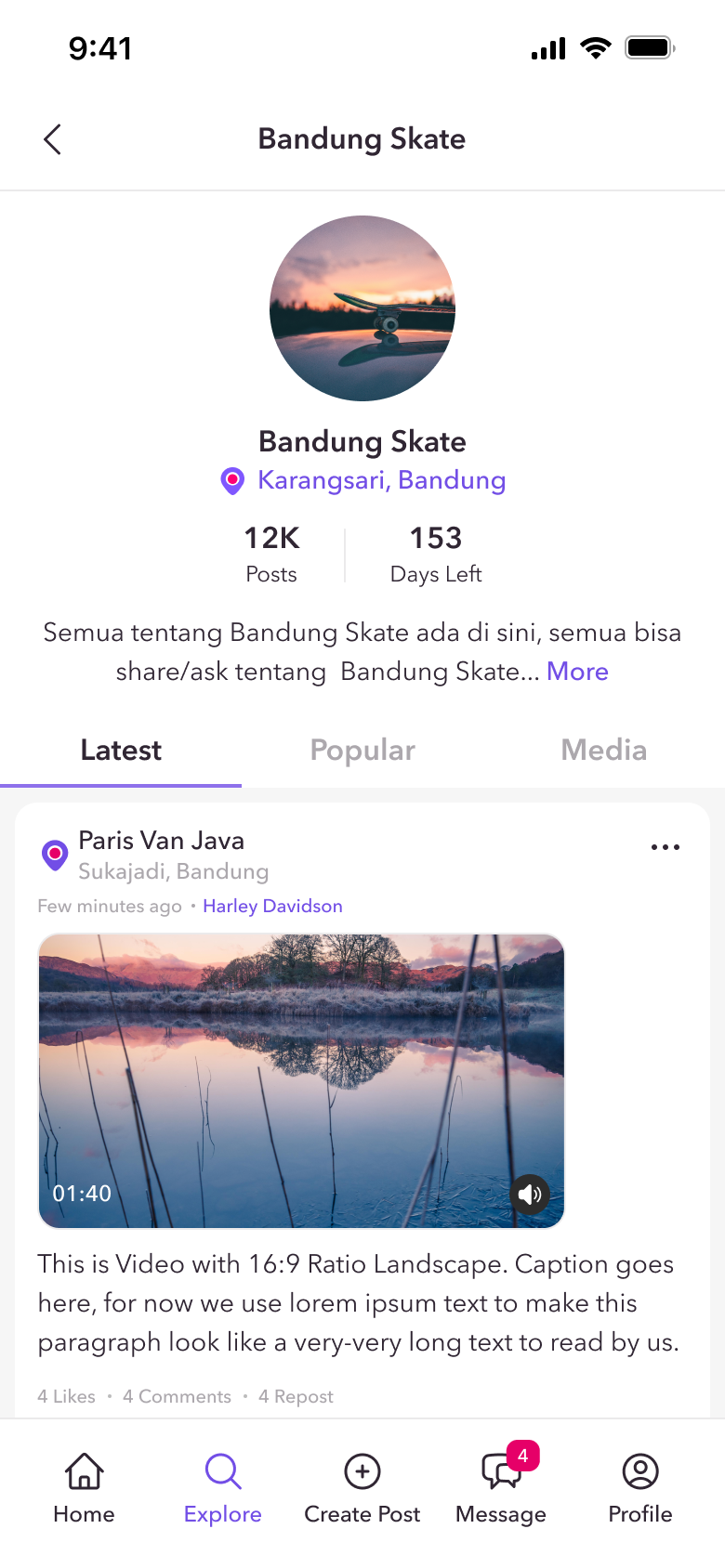
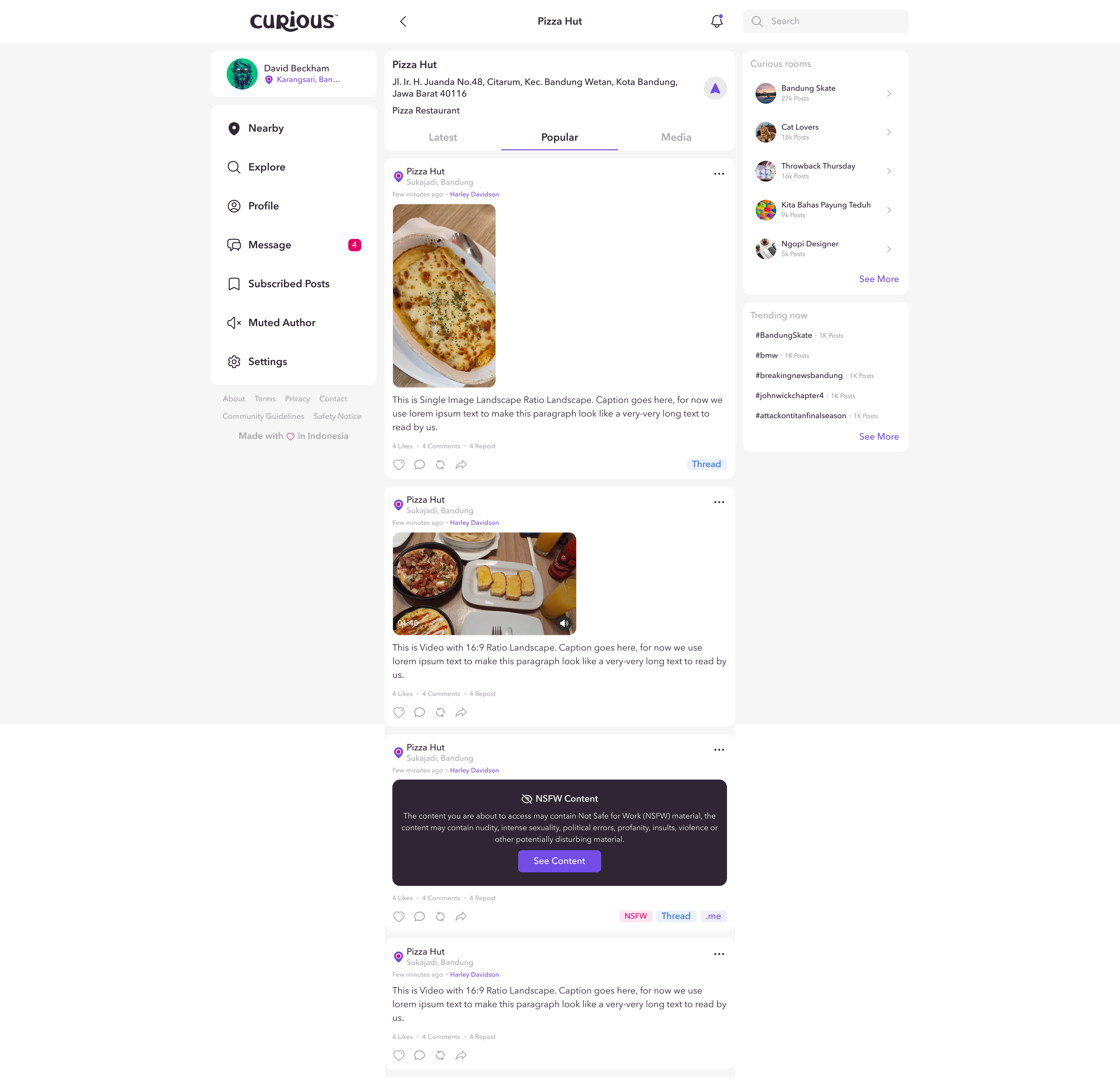
The Nearby feed shows what's happening around you, Place Pages gather stories around a specific spot, and Curious Rooms bring people together around shared topics.
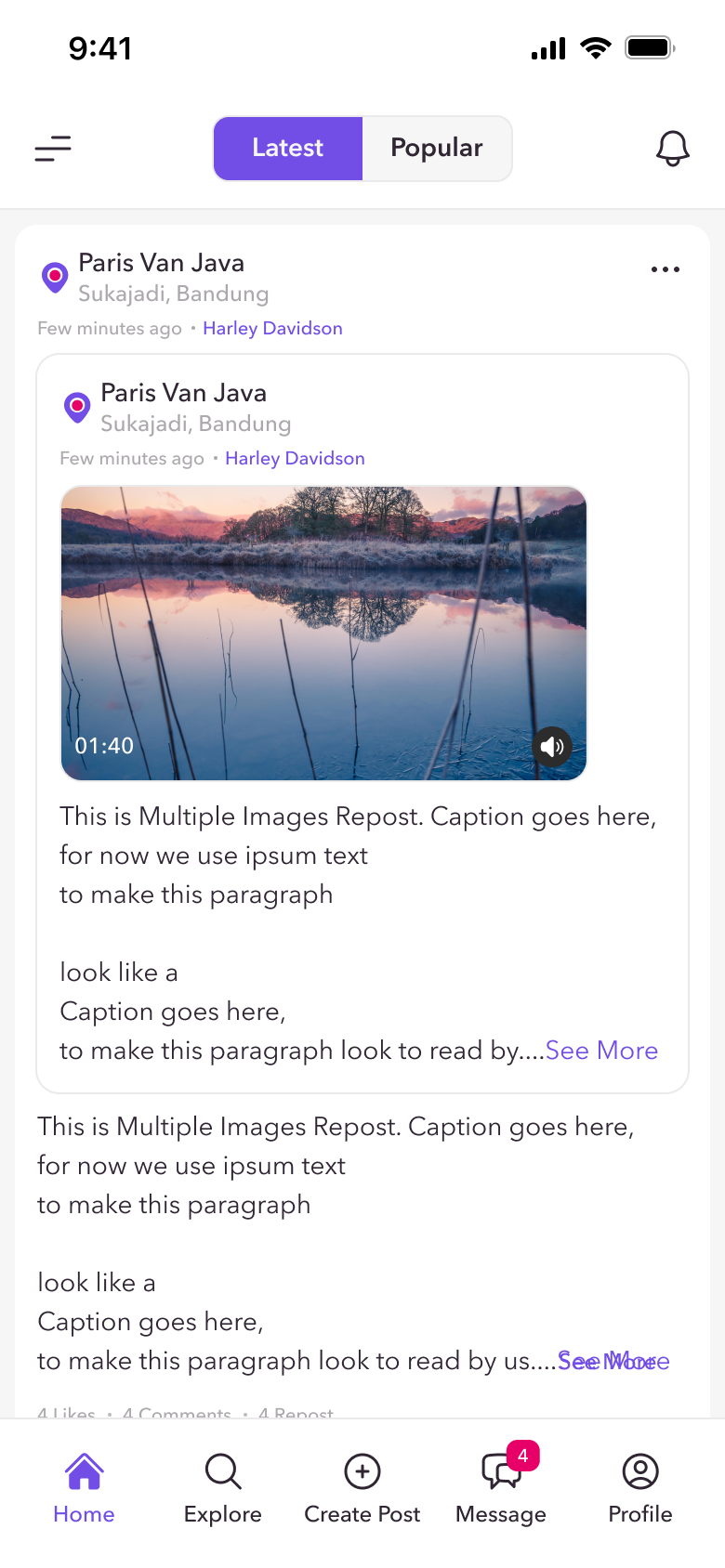
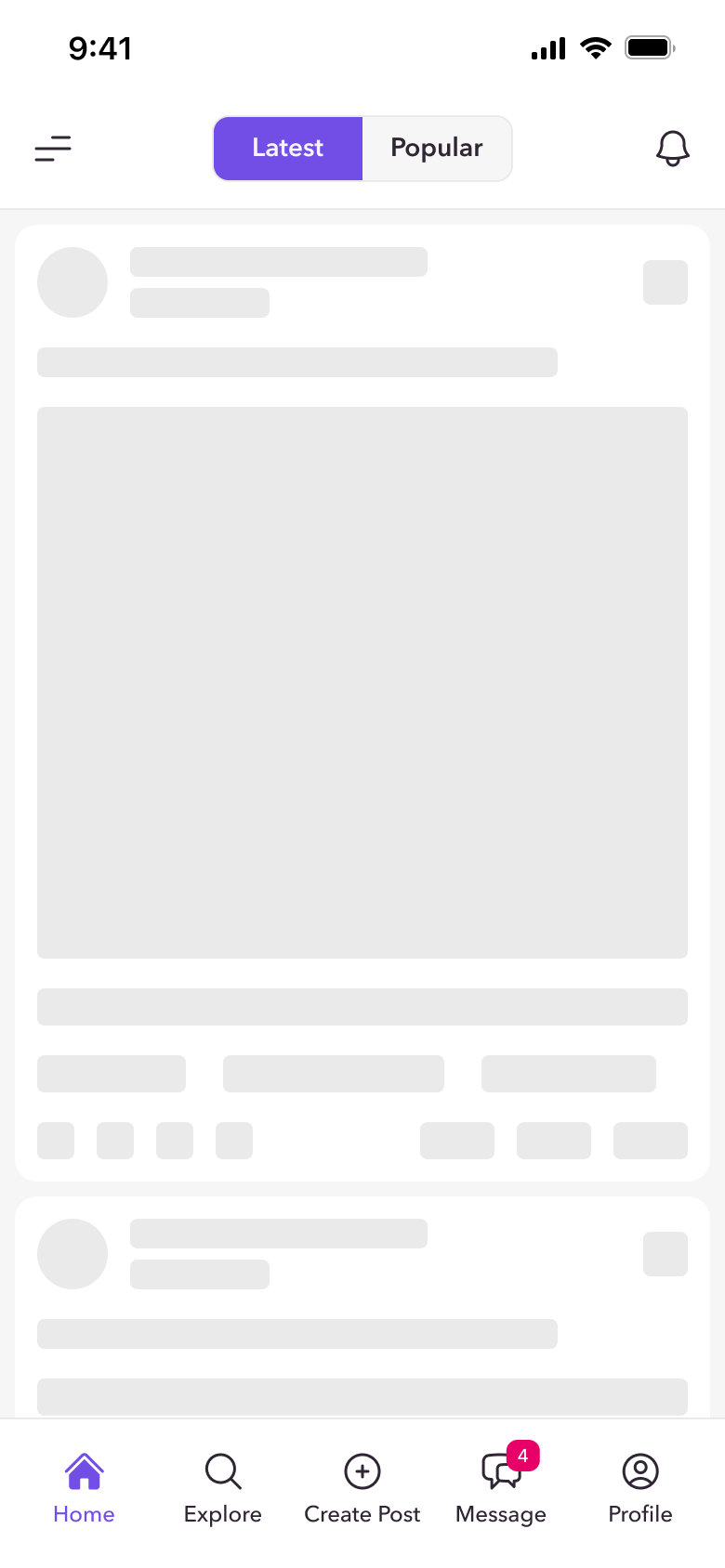
- Latest and Popular feeds with skeleton loading
- Place Pages for location-based conversations
- Curious Rooms that can be joined through a shared link
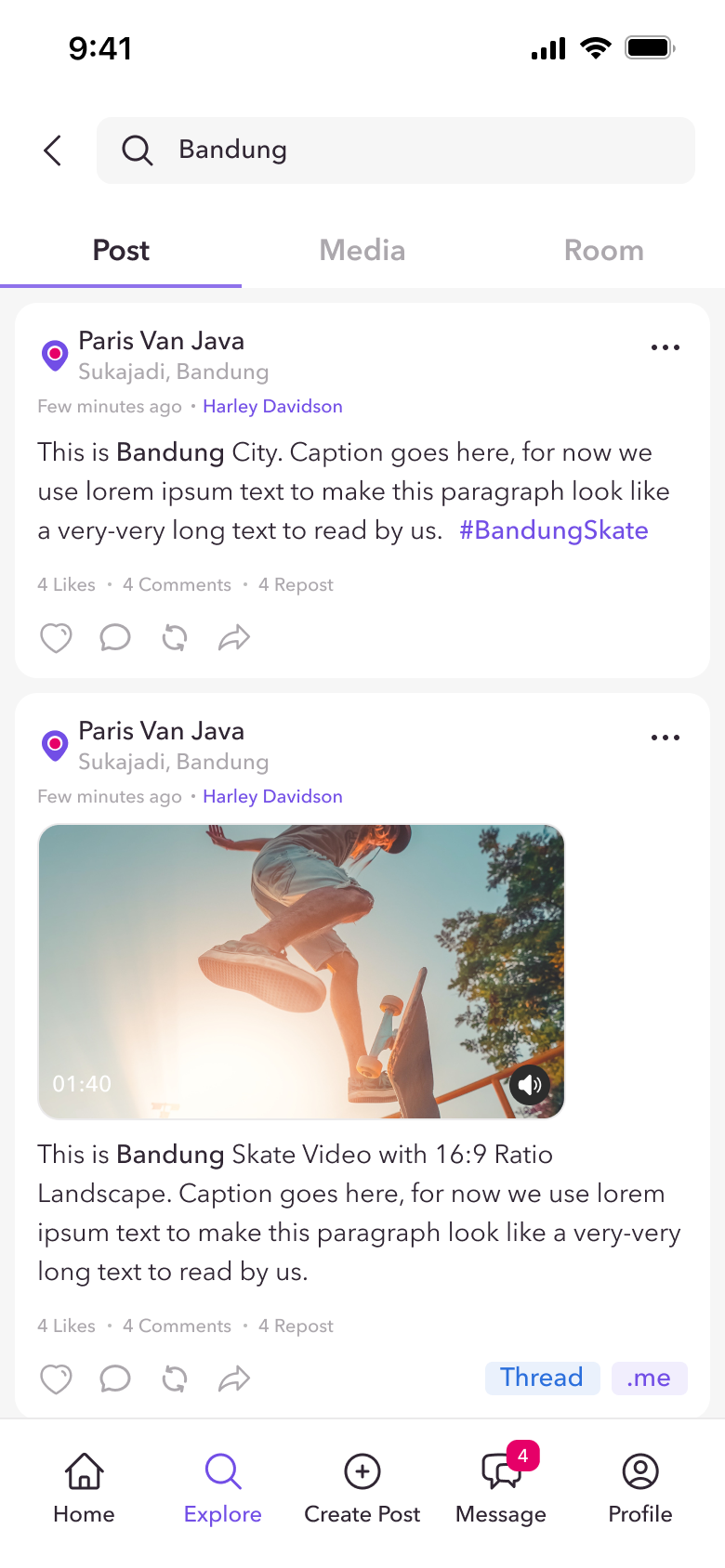
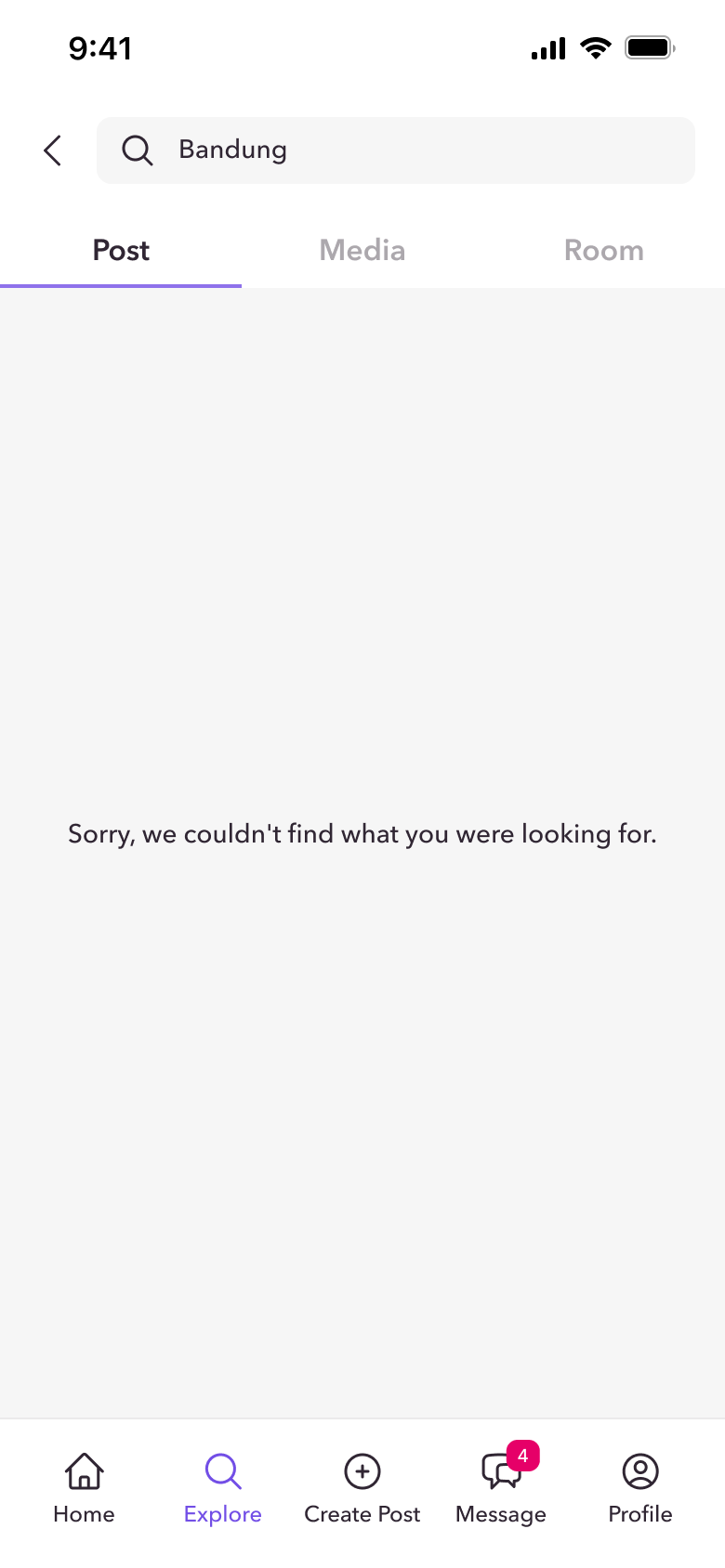
- Explore, search and hashtags across posts, media and rooms
Create & Share Freely
Rich expression, without the pressure of identity.
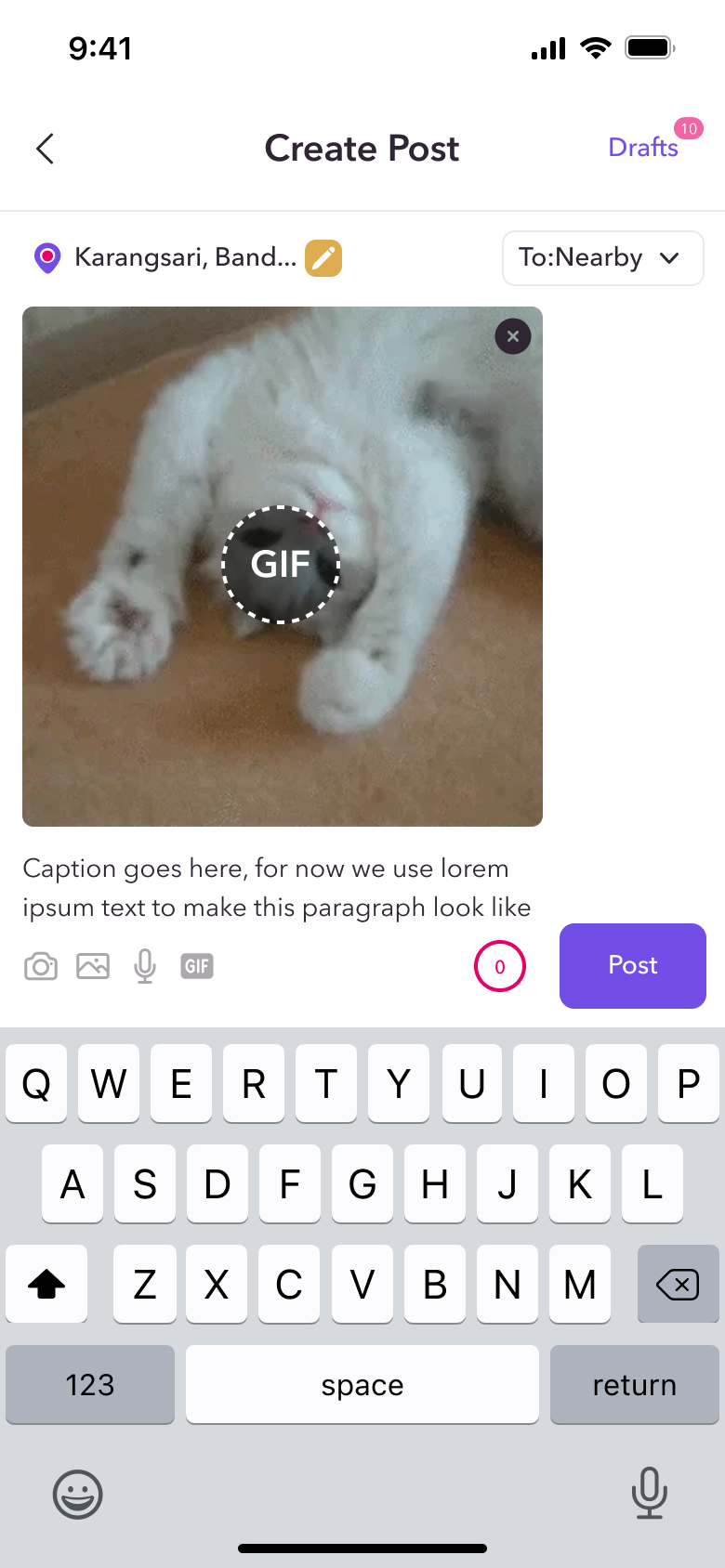
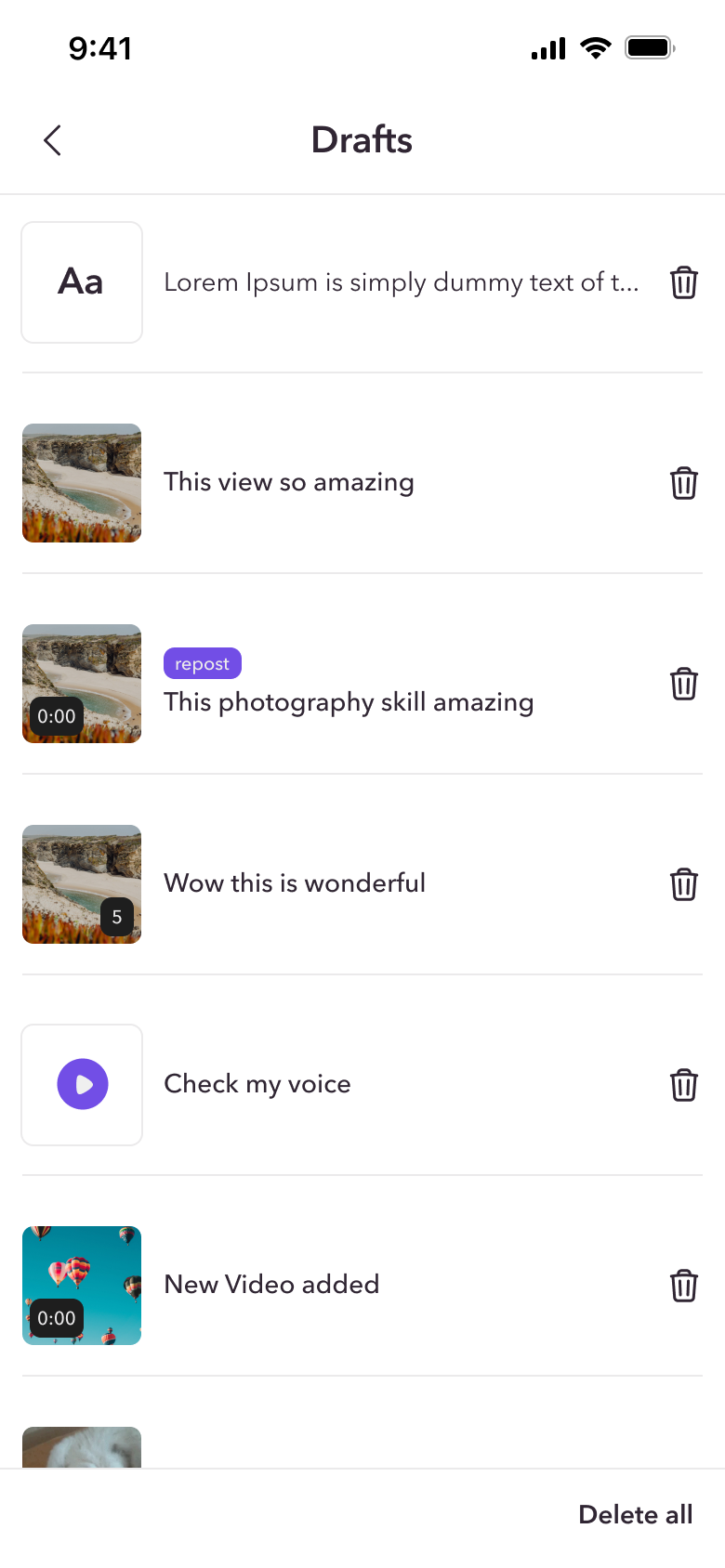
Posts support text, photos, video, audio and GIFs. A draft system keeps unfinished thoughts safe when users leave halfway.
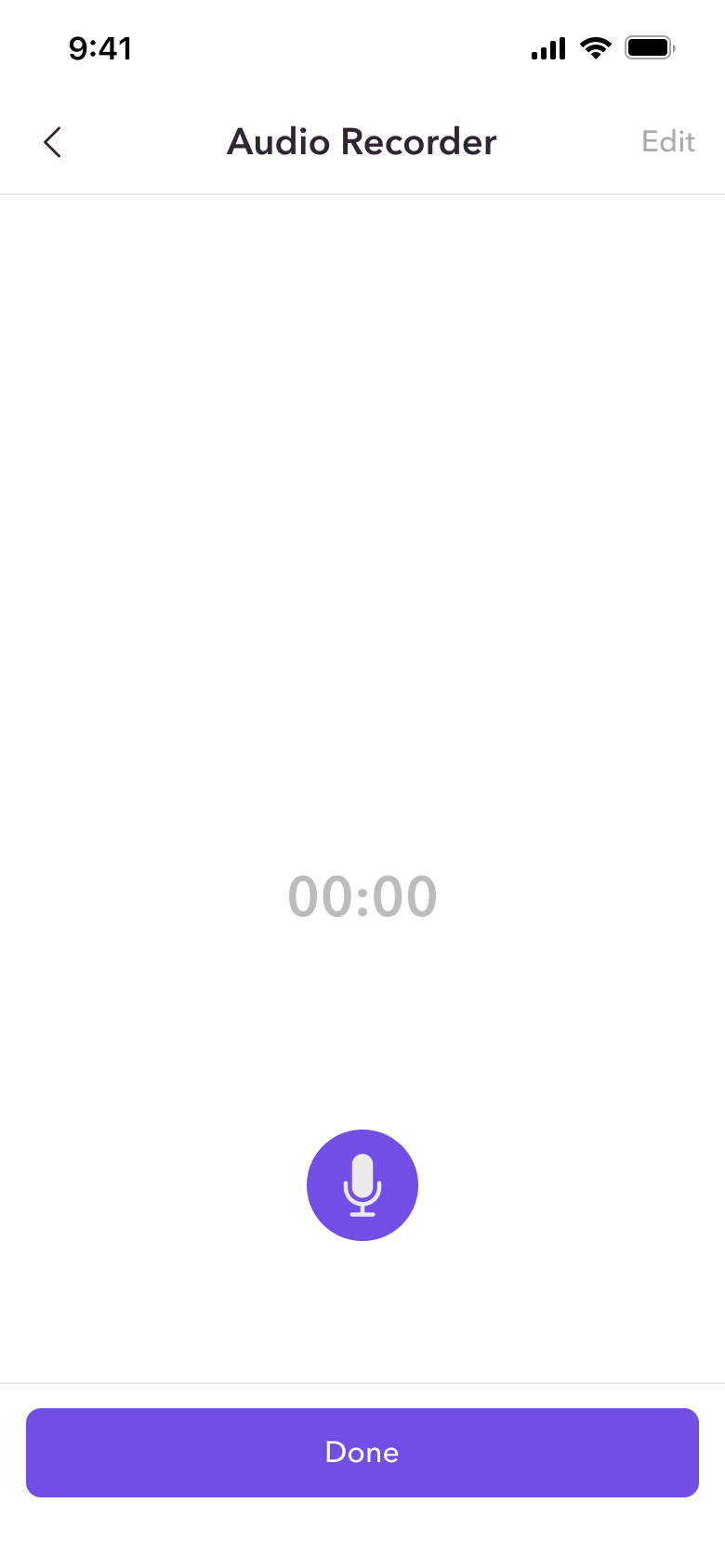
- Attach from camera, gallery, voice recorder or GIF library
- In-app audio recorder and editor for voice posts
- "Post to" selector: Nearby or a Curious Room
- Drafts: save, delete one, delete all, empty state
- Upload progress feedback for media-heavy posts
Conversations That Flow
Comment, ask and chat, all anonymously.
Each way to interact fits a different level of engagement, from a quick reply to a private message.
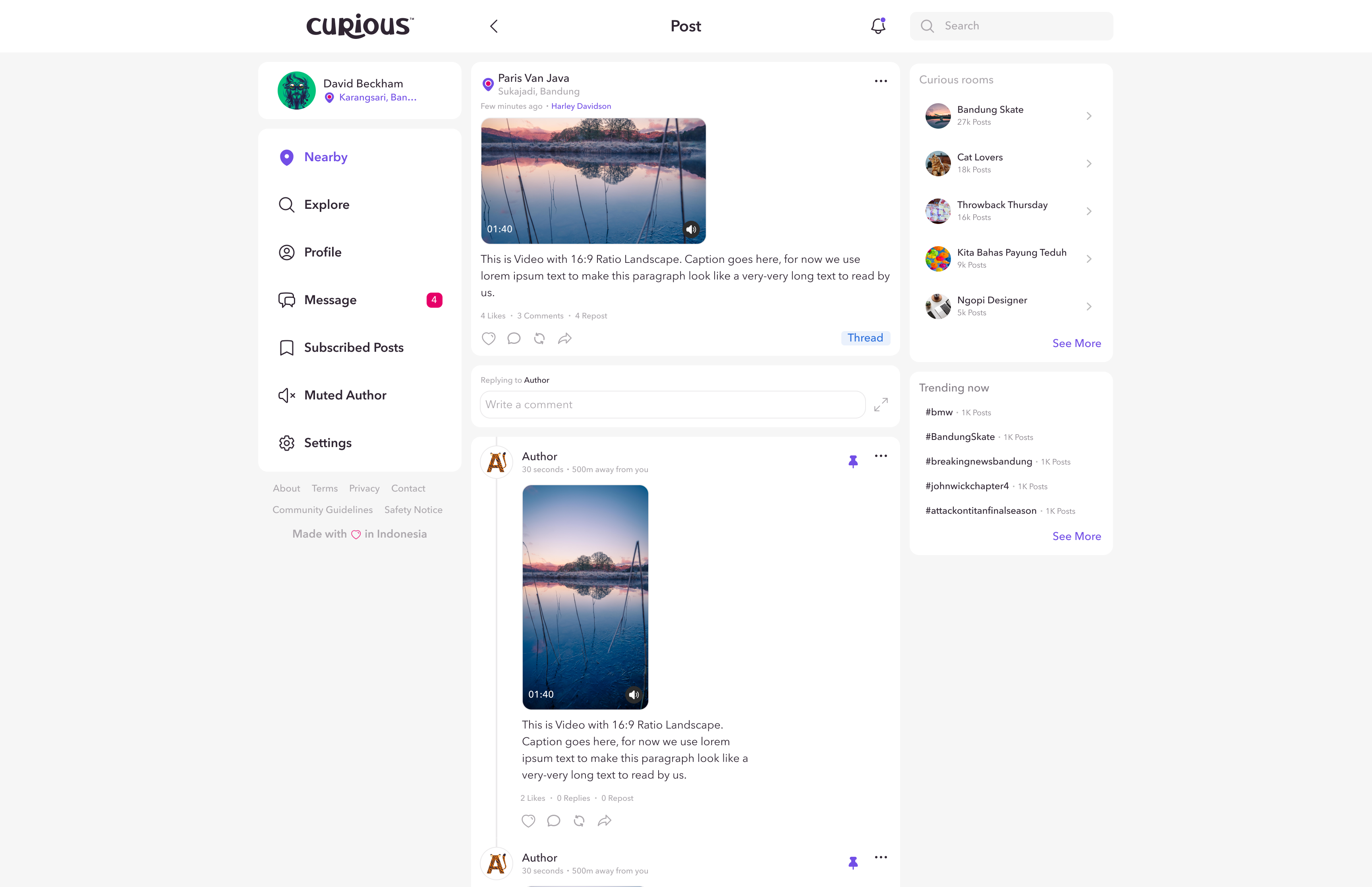
- Comments with quick reply, modal reply, mentions, pins and reposts
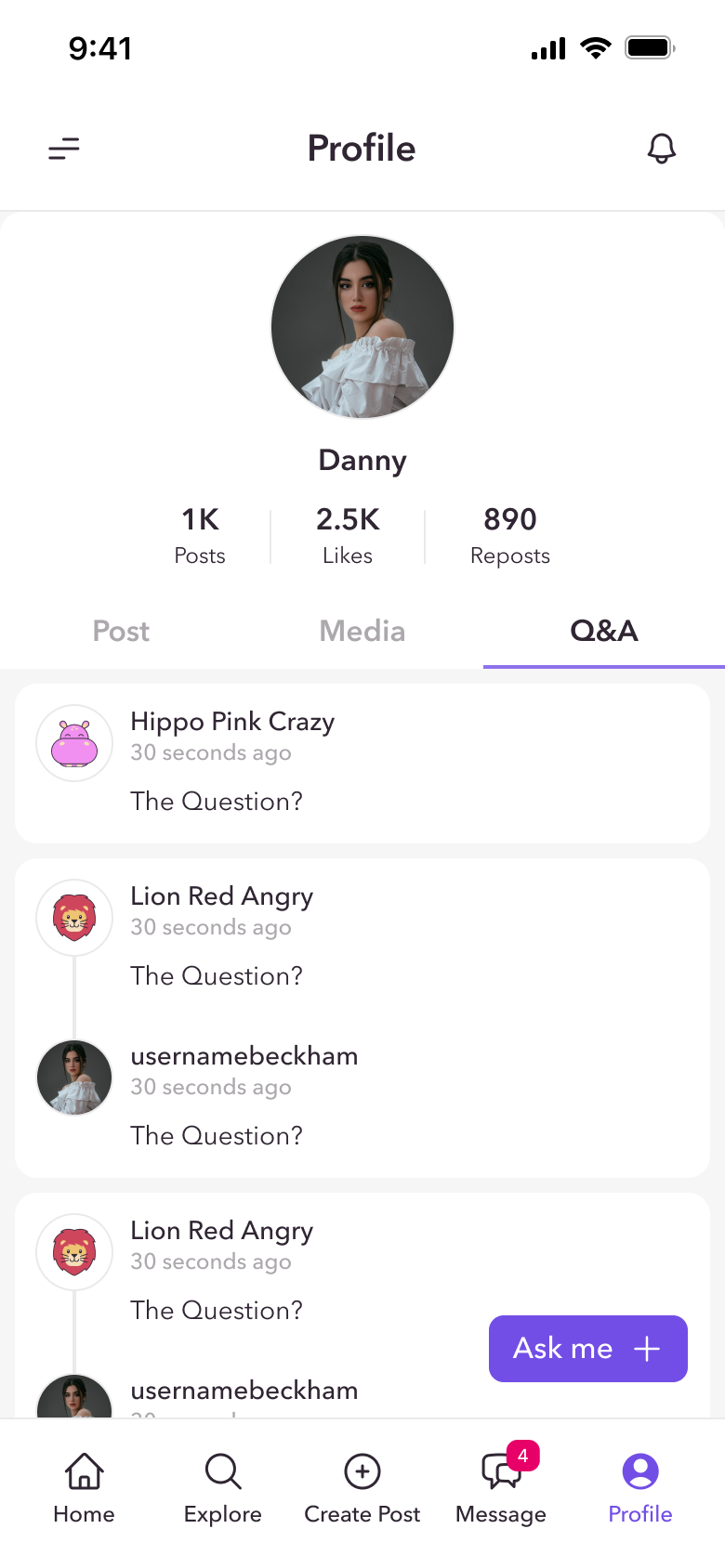
- Ask Me: anonymous Q&A users can answer, dismiss or share
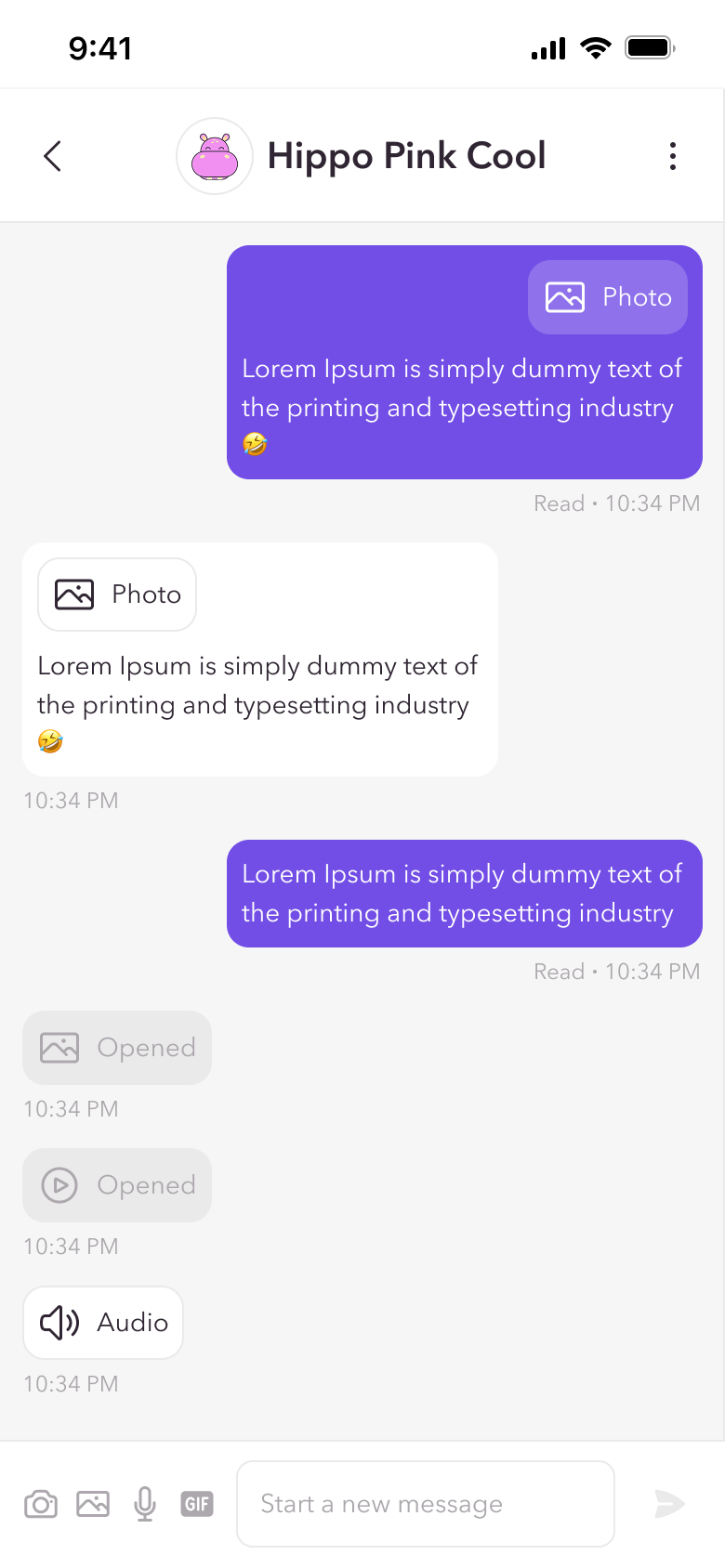
- Direct Messages that disappear after 24 hours, with voice notes and GIFs
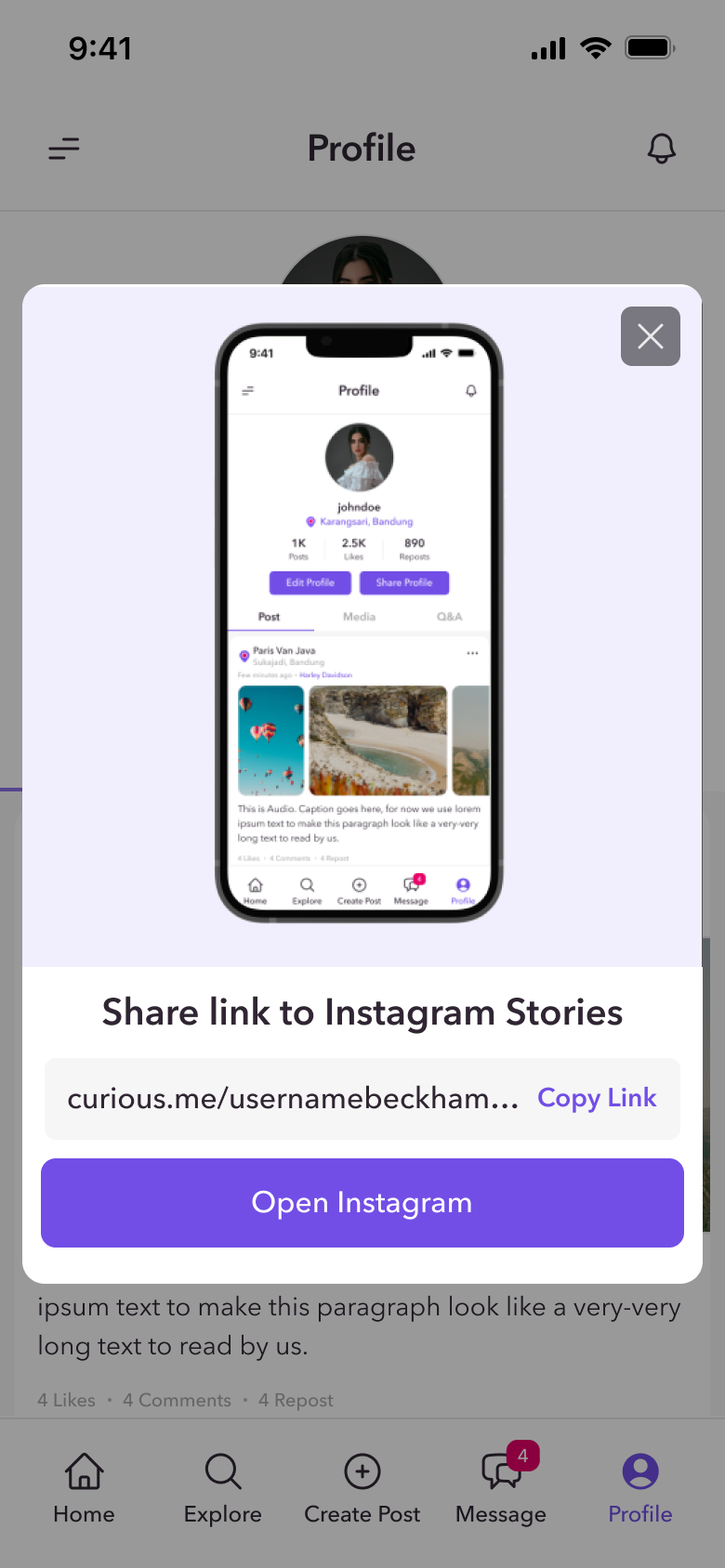
- Share posts, profiles and Q&A to Instagram Stories, Facebook and Twitter
You're in Control
Shape your feed, your way.
Anonymous spaces can get noisy, so users get simple tools to decide what they see without leaving the app.
- Mute specific posts or authors, and unmute anytime
- Subscribe to posts to follow conversations
- Snackbar and toast confirmations for every action
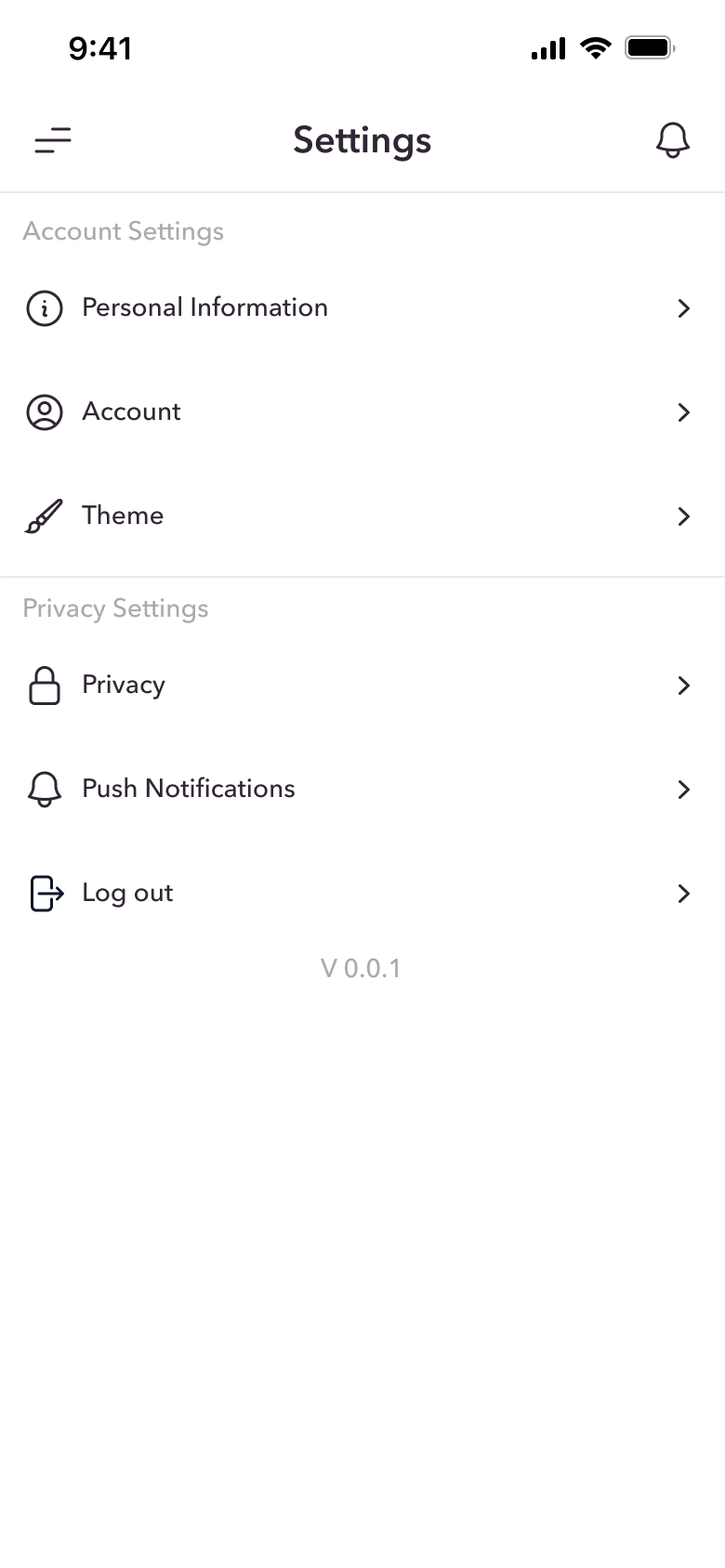
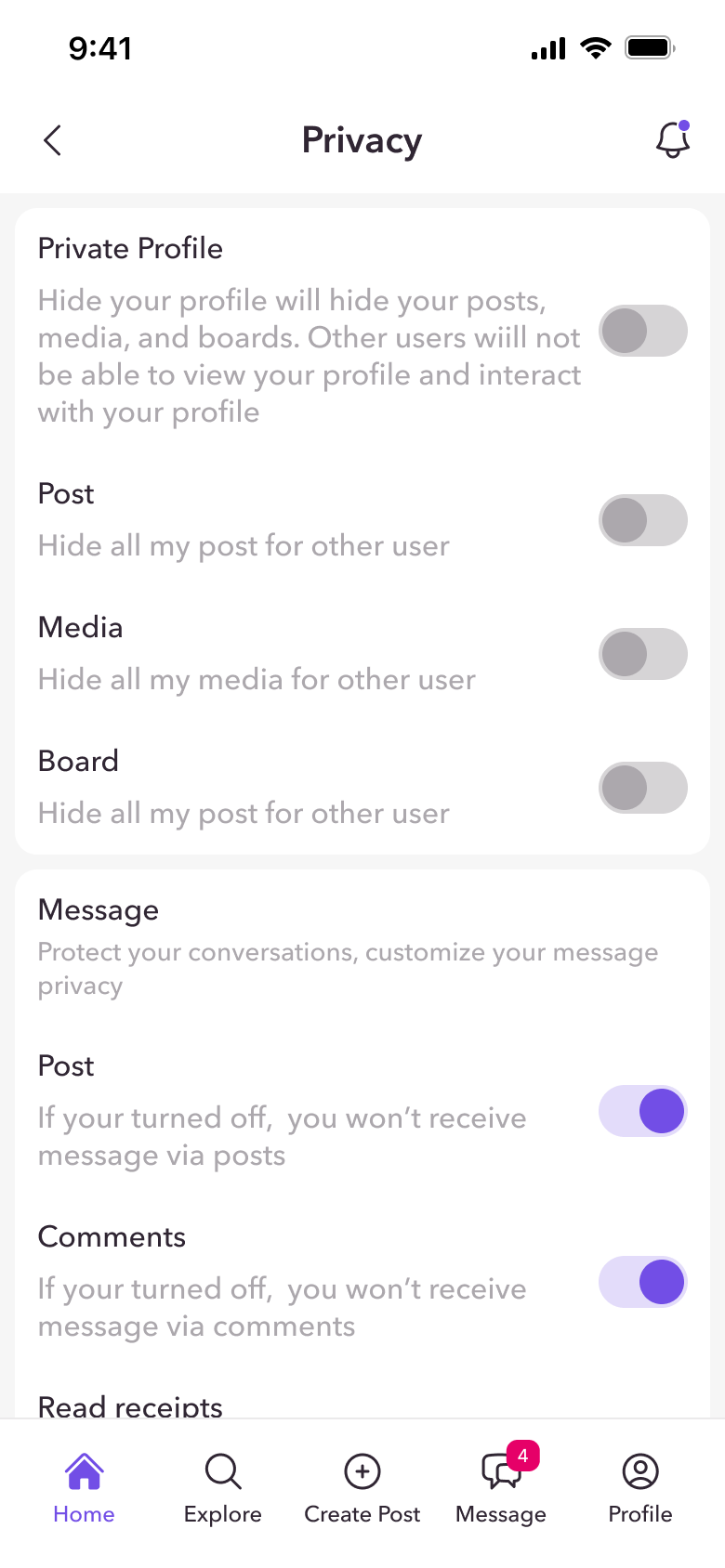
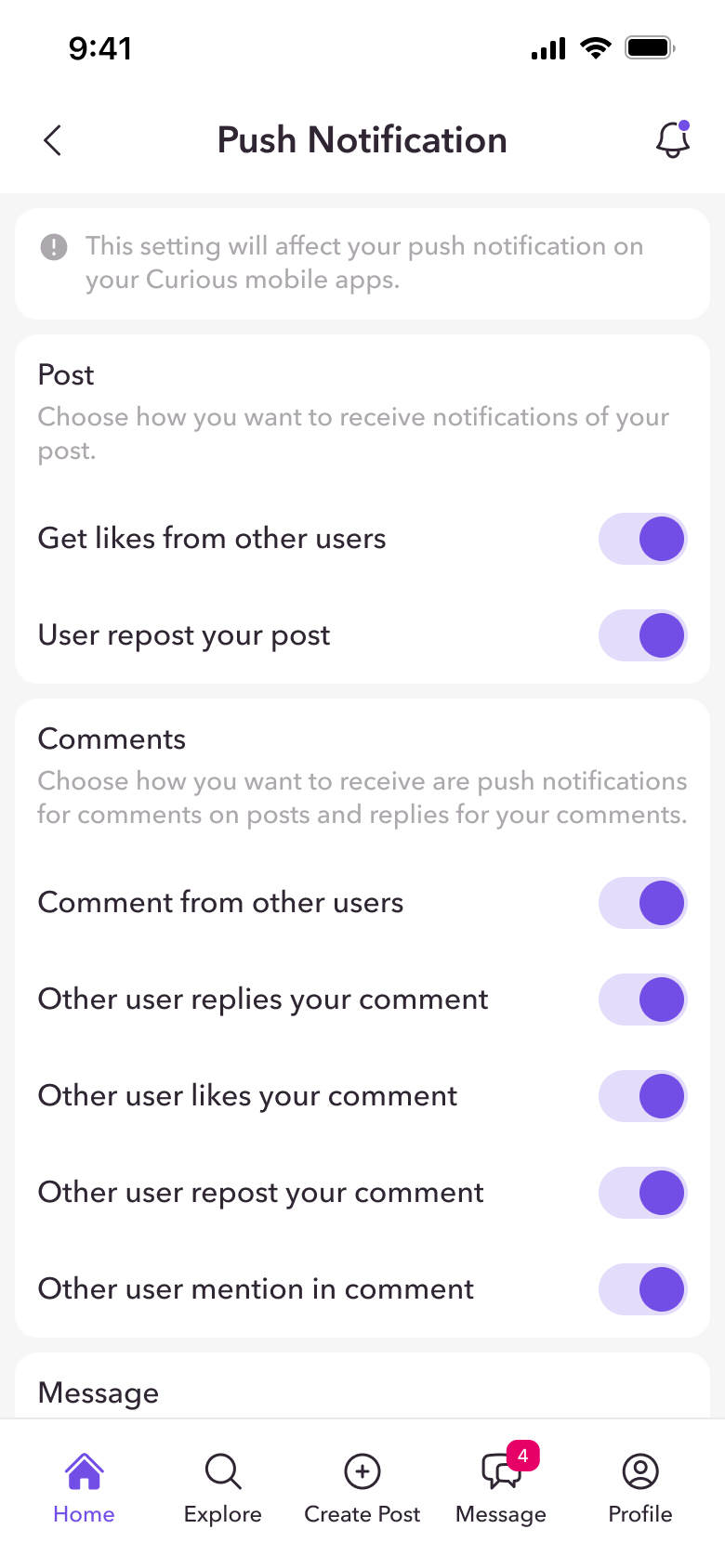
- Privacy and notification settings in one place
Safety at the Core
Anonymous shouldn't mean unsafe.
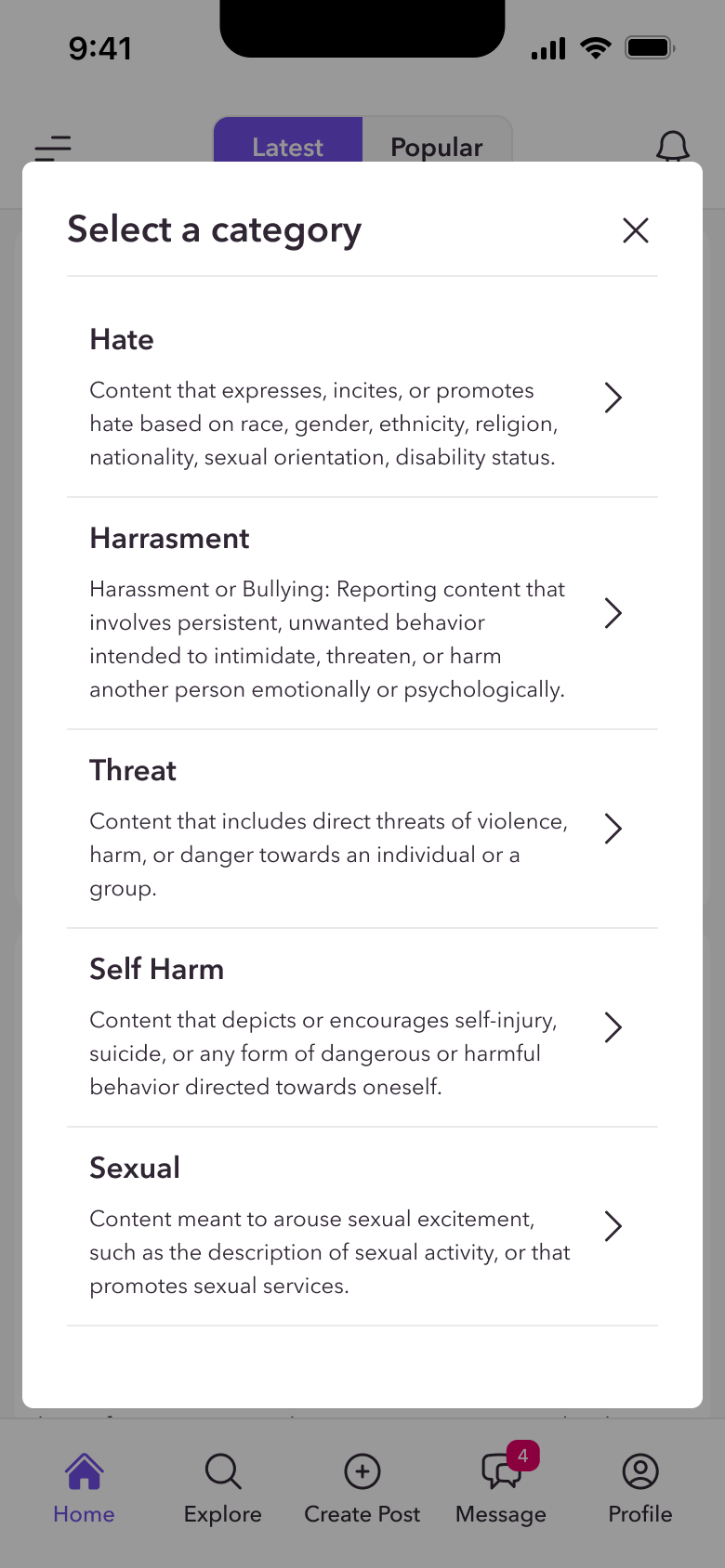
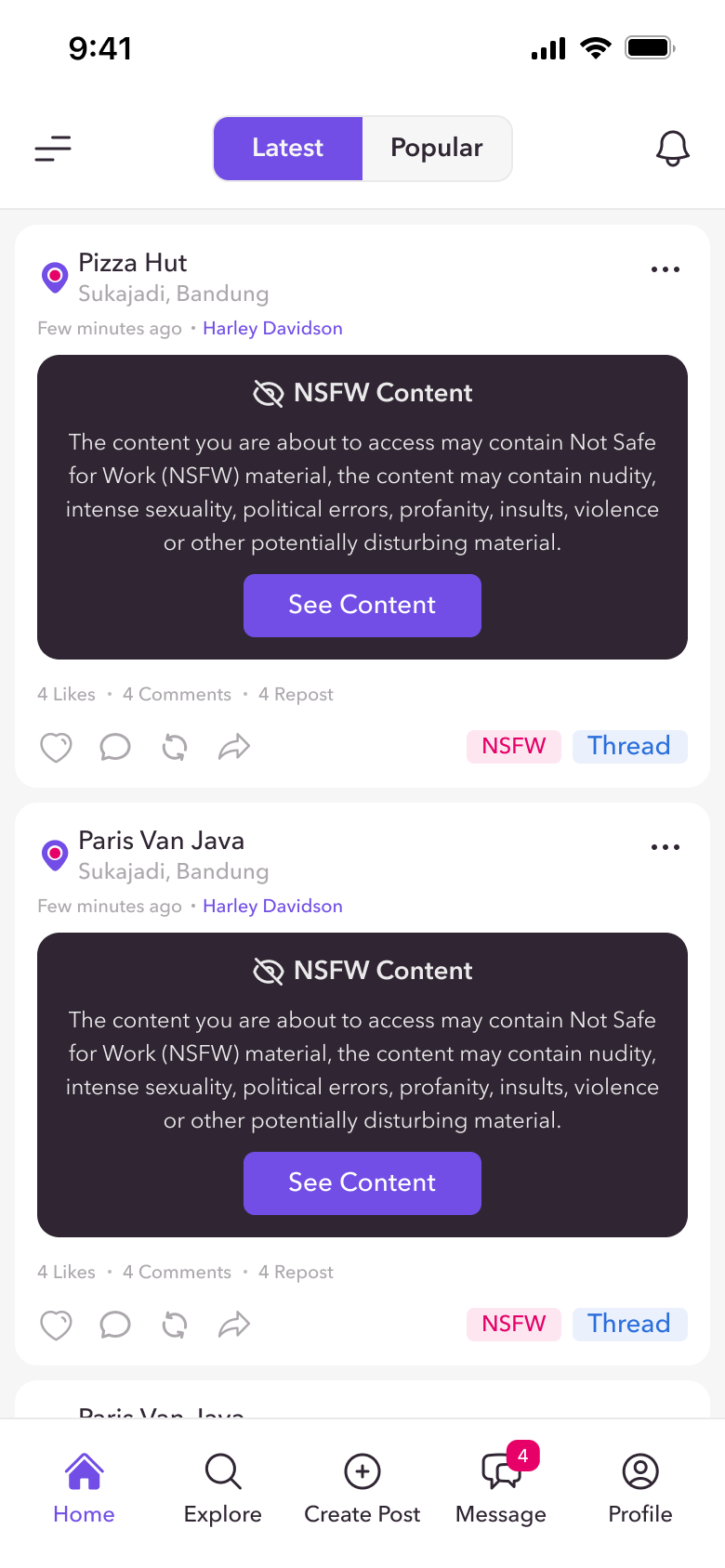
Safety was designed in from the start, not added later. Sensitive content is handled with care, and reporting is quick and specific.
- Category-based reporting: hate, harassment, threats, violence, self-harm, sexual content, unauthorized sales
- NSFW and age-restricted content hidden behind a clear warning and confirmation
- Account suspension flows that explain what happened and what comes next
- Safety Notice, Community Guidelines and Privacy built into the app
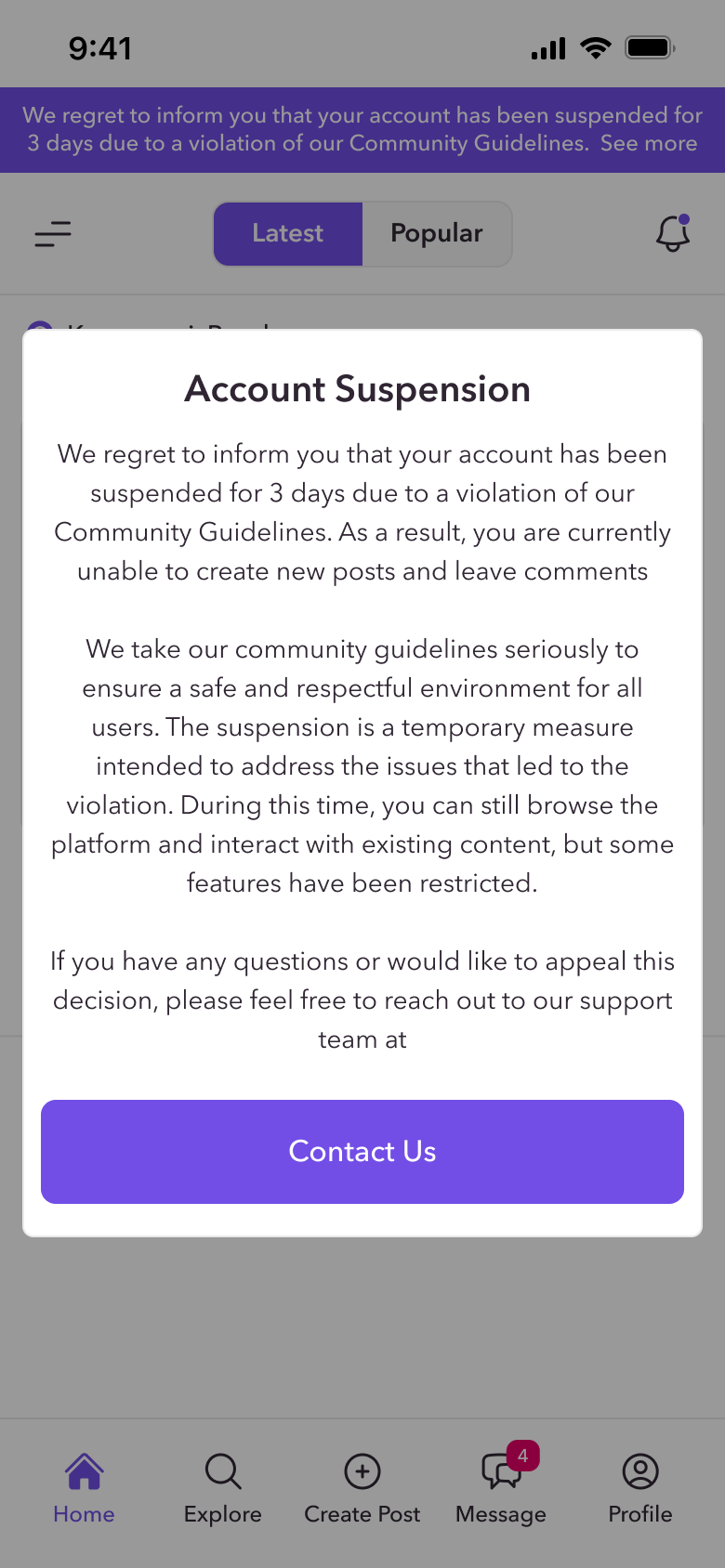
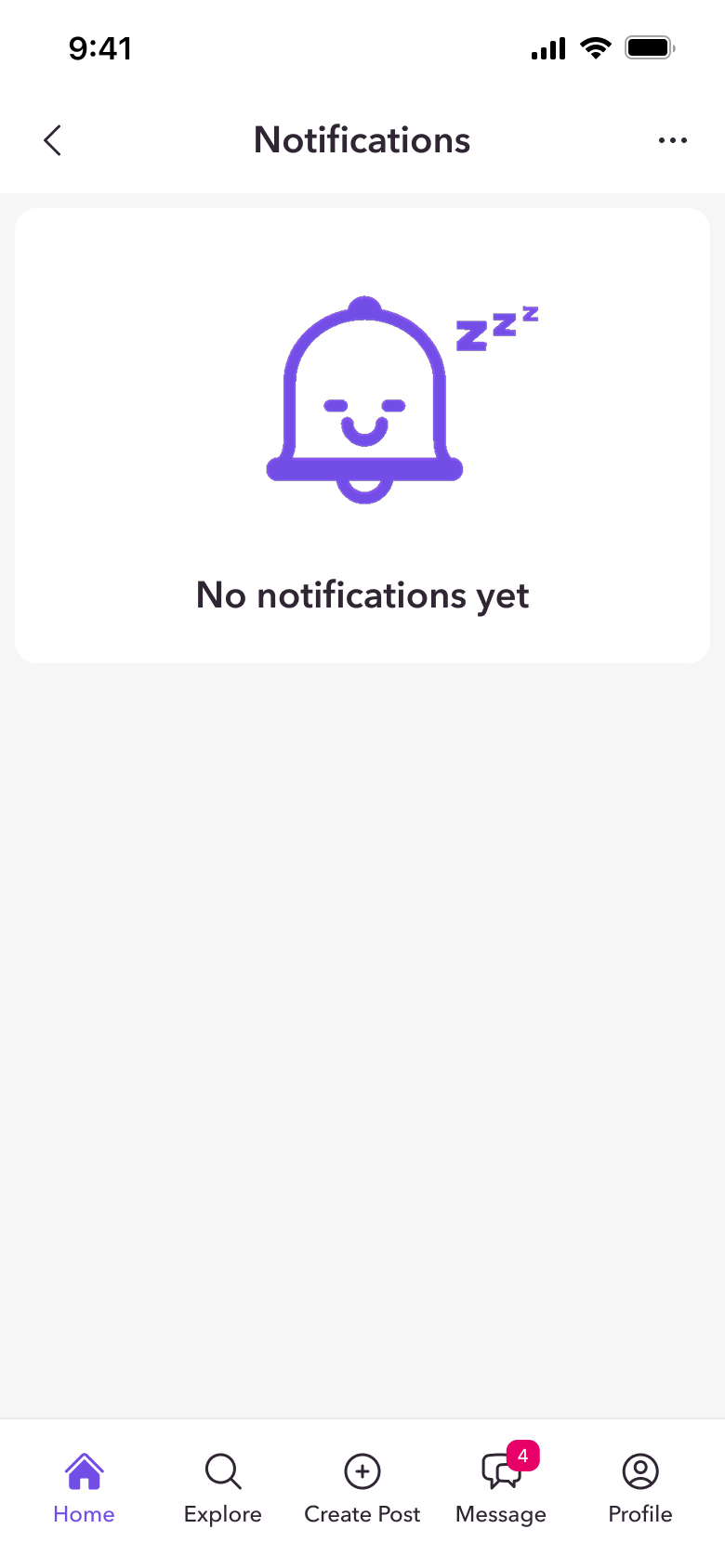
Every screen has more than one state.
Loading, empty and no-result states were designed for every module, so users always know what is happening and what to do next.
Native app and three web breakpoints.
Every module was designed for the native iOS app and for web at mobile, tablet (744px) and desktop (1727px), in light and dark mode.
- The mobile bottom navigation becomes a persistent sidebar on desktop.
- Curious Rooms and trending hashtags get their own column on wide screens.
- Dialogs adapt from bottom sheets on mobile to centred modals on web.
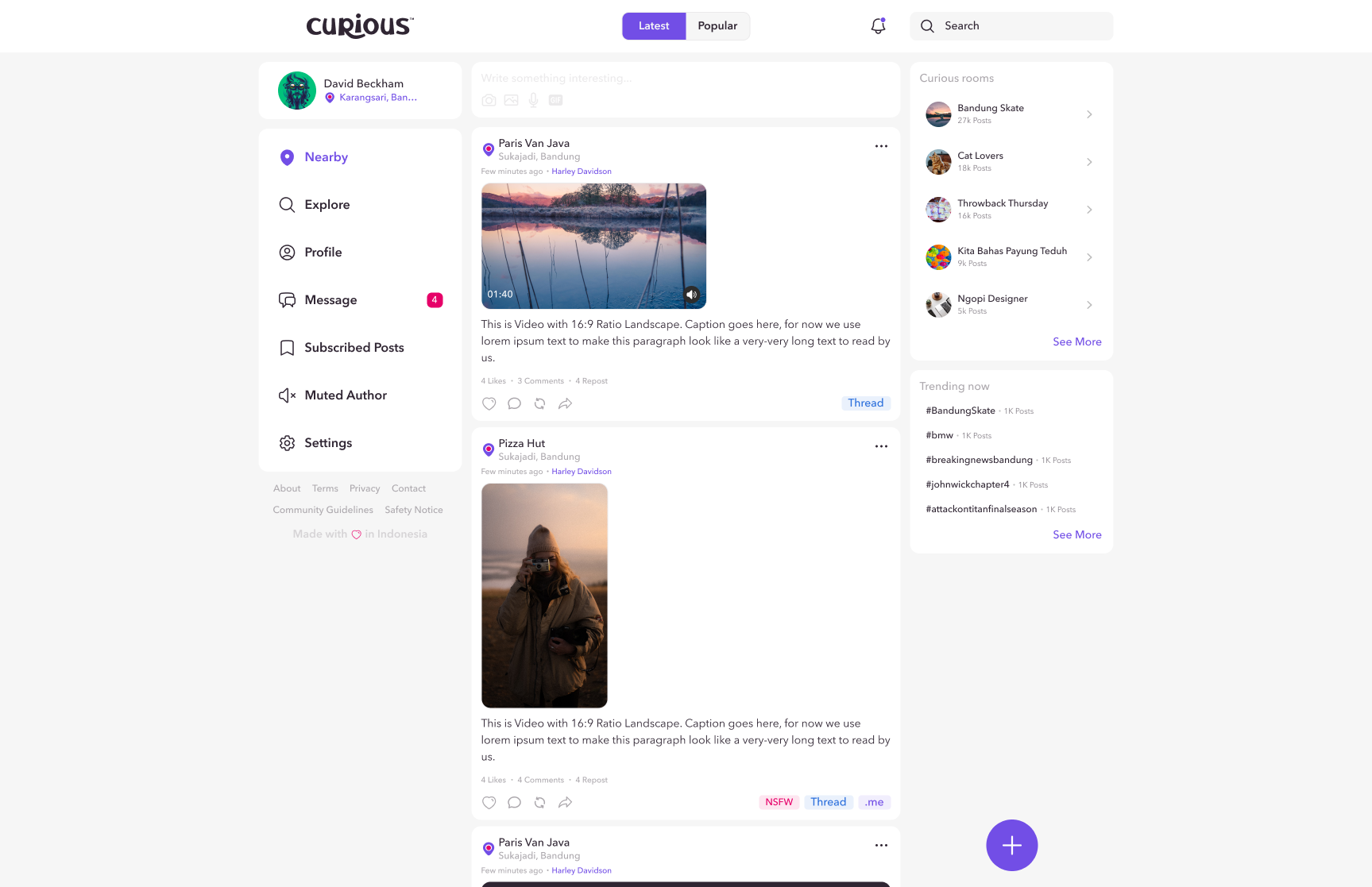
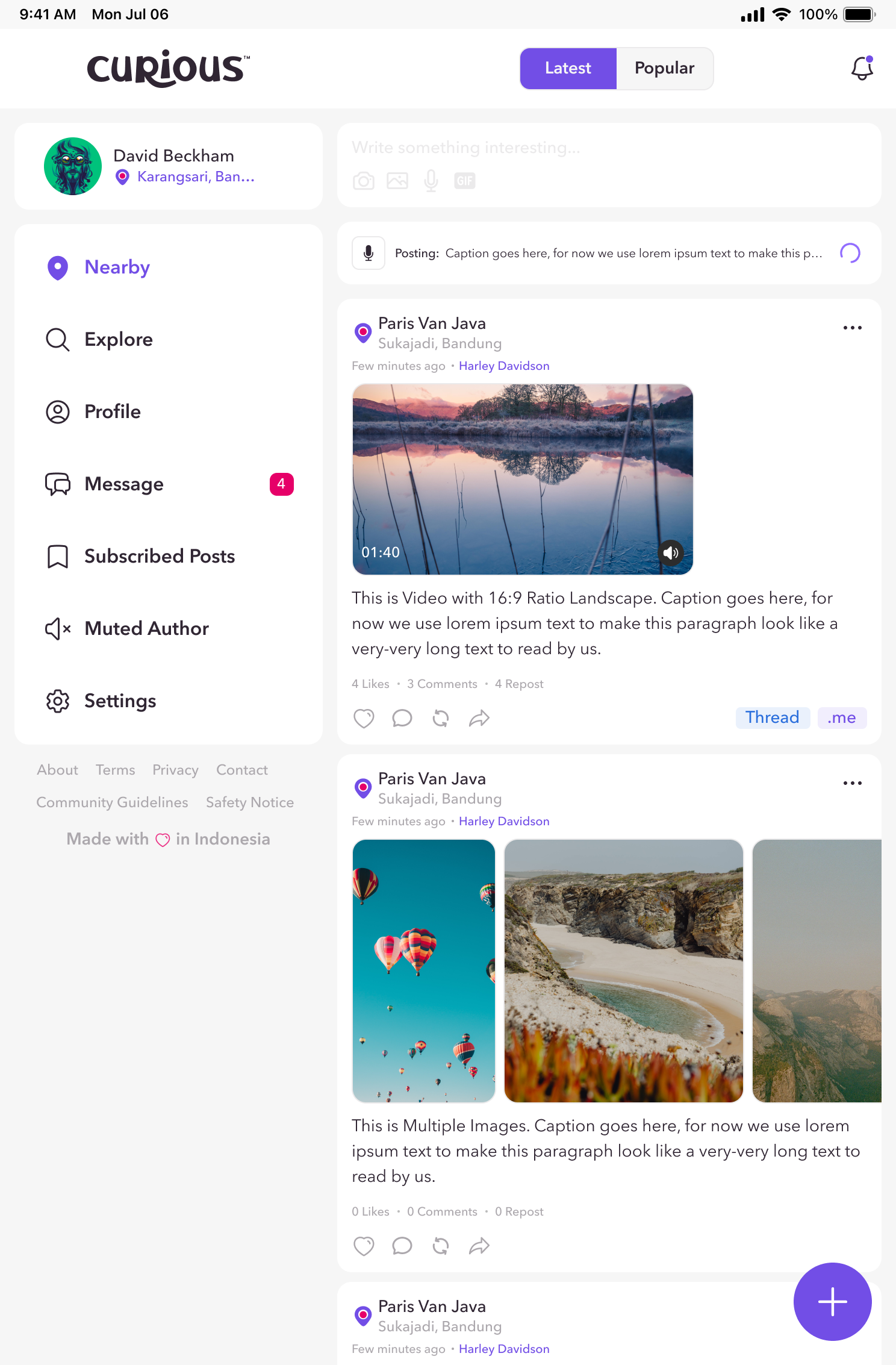
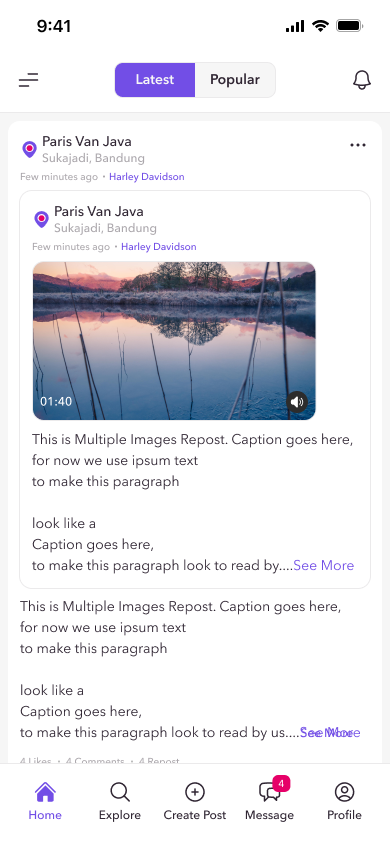
One system behind 1,400+ screens and states.
A shared library of colours, type, icons and components (top bars, navigation, post cards, inputs, dialogs, snackbars) with light and dark tokens kept every module consistent across platforms.
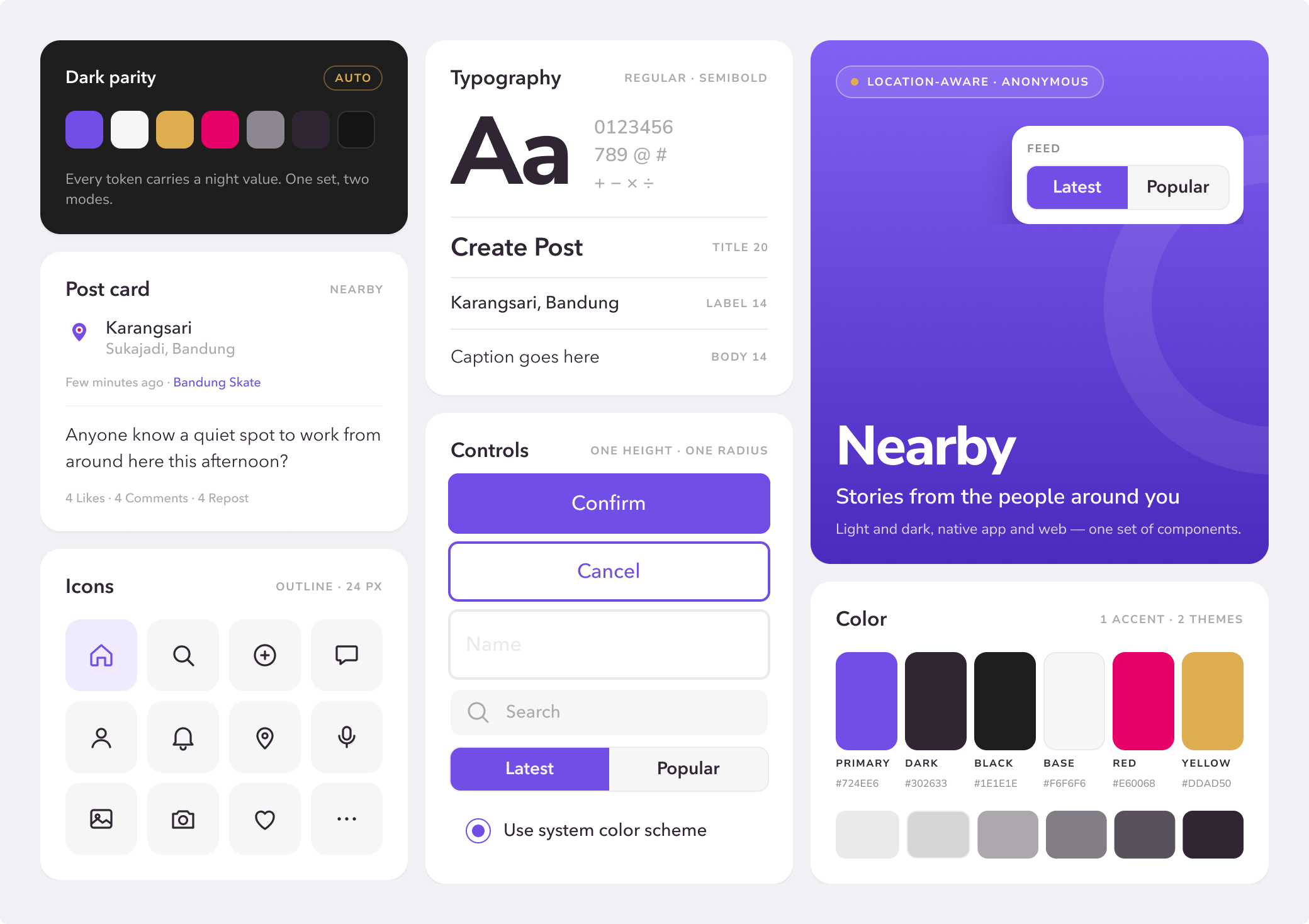
Motion that explains, not just decorates.
Every animation has a job. A Lottie map animation shows why Curious needs your location before asking for it, a tutorial animation walks users through sharing their profile to Instagram Stories, and a 30-second promotion video introduces the app on the App Store.
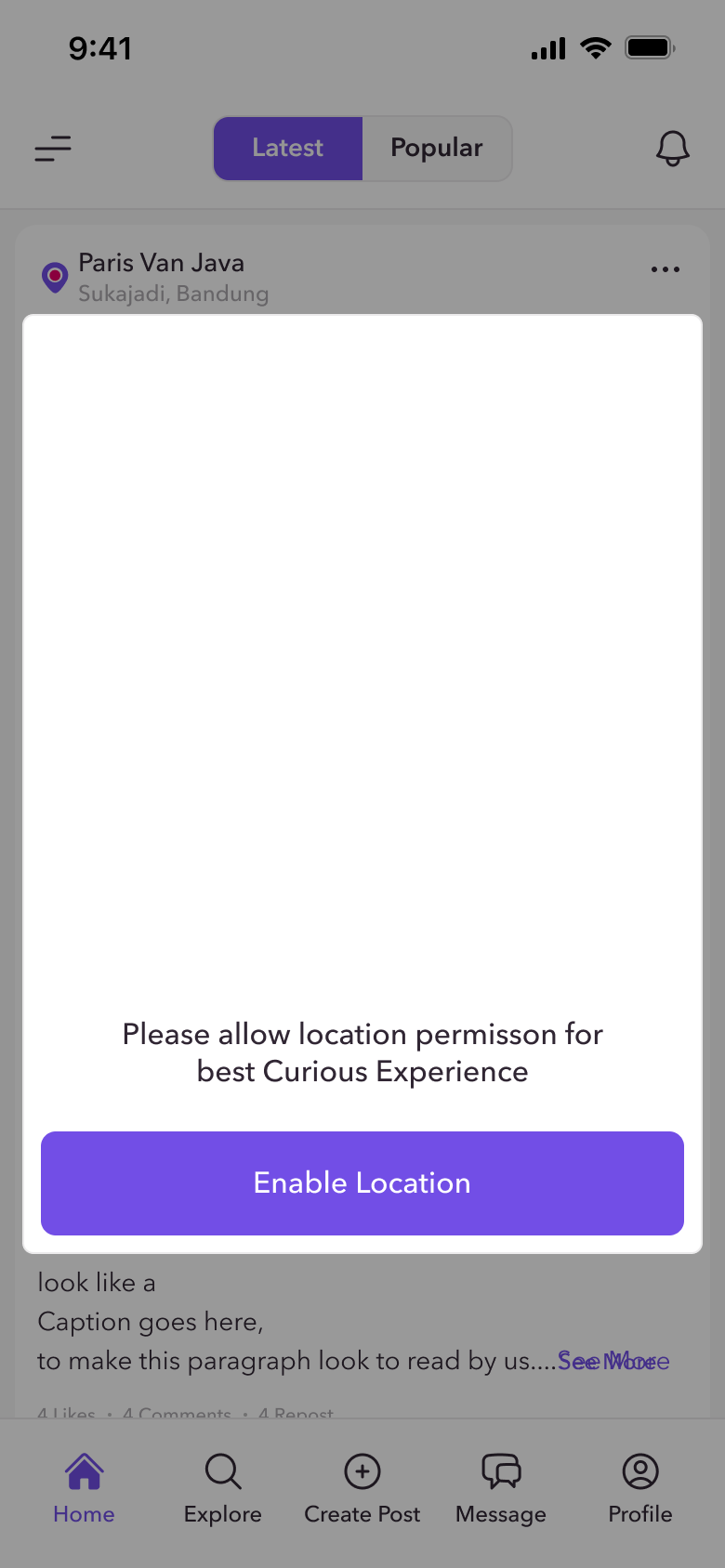
Lottie animation
An animated map in the location permission prompt: roads draw in, the pin drops and nearby stories pop up, showing why Curious needs location before asking for it.
In-app tutorial animation
Shows users how to share their profile to Instagram Stories, step by step, without a wall of text.
App promotion video
App Store preview, 30 seconds. A walkthrough of Create Post, Curious Rooms, Explore and Change Location.
In an anonymous product, safety is the experience. Every feature had to answer "what happens if someone misuses this?"
Designing 13 modules across four screen sizes taught me to treat the design system as the product's backbone. Next, I would validate the reporting and location-permission flows with real users to measure completion and trust.